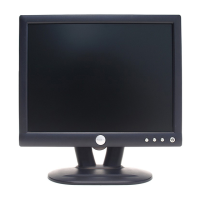
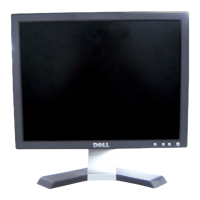
Dell E153FPc
21
6. Mechanical Instruction
Tools: 2 Power screwdrivers (φ=5mm,L=60mm); 1 small cross screwdriver; turnbuckle driver;
Setting: Power screwdriver torque A=11 kgF. Cm; torque B=6 kgF. Cm
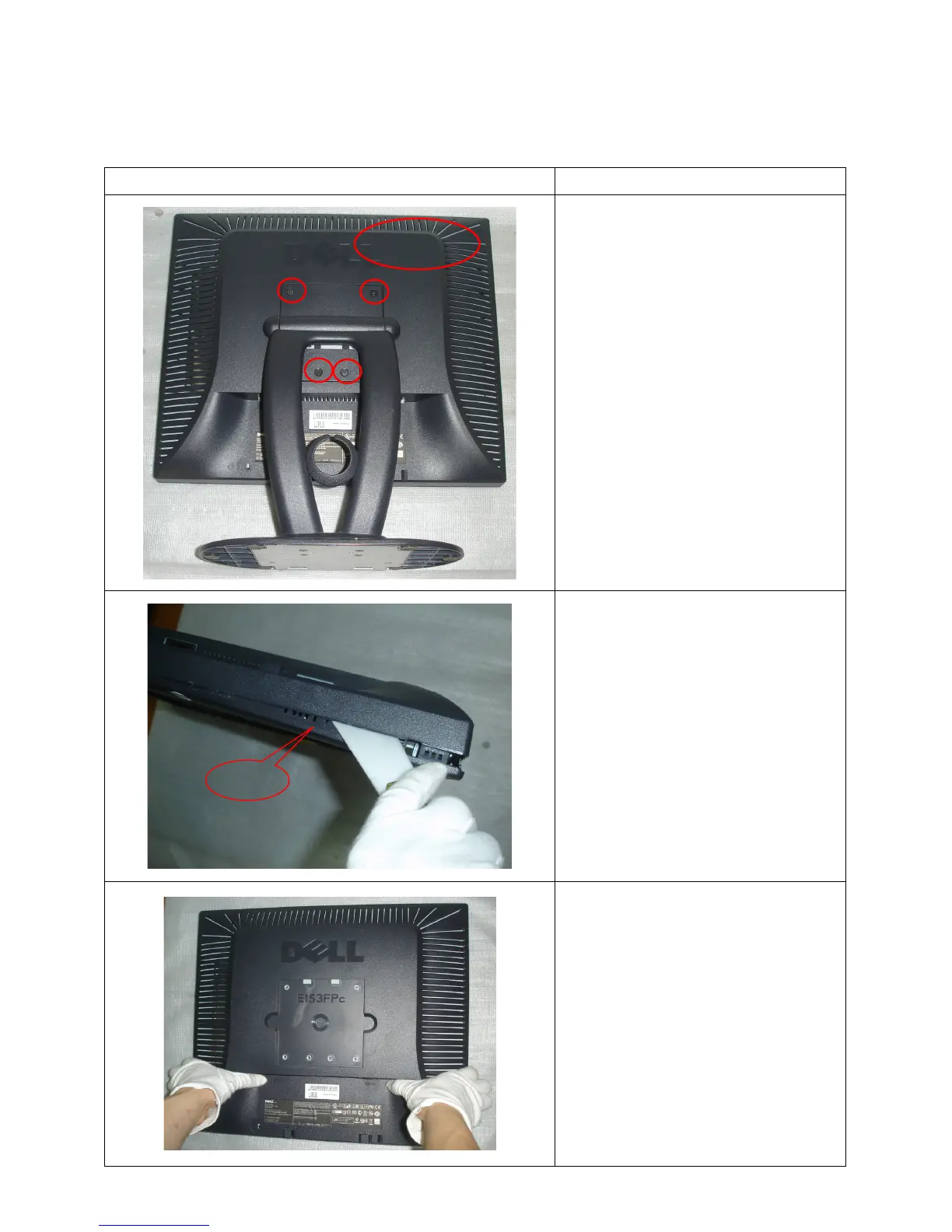
Fig Remark
Remove stand: Remove the 4 screws
and remove the stand ass’y by torque A
Remove the rear cover
Pry the monitor up then find out the hooks’
position, use the tool (like the picture or
other card) to insert into the gap of bezel
and rear cover.
Turn over the monitor as the Fig and take
off the rear cover
Rear cover
bezel


 To Next Page
 Loading...