Back to Contents Page
About Your Monitor
Dell™E157FPTTouchScreenMonitorContents
Front View
Back View
Side View
Bottom view
Specifications
Caring for Your Monitor
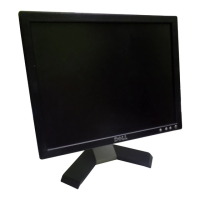
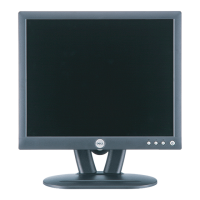
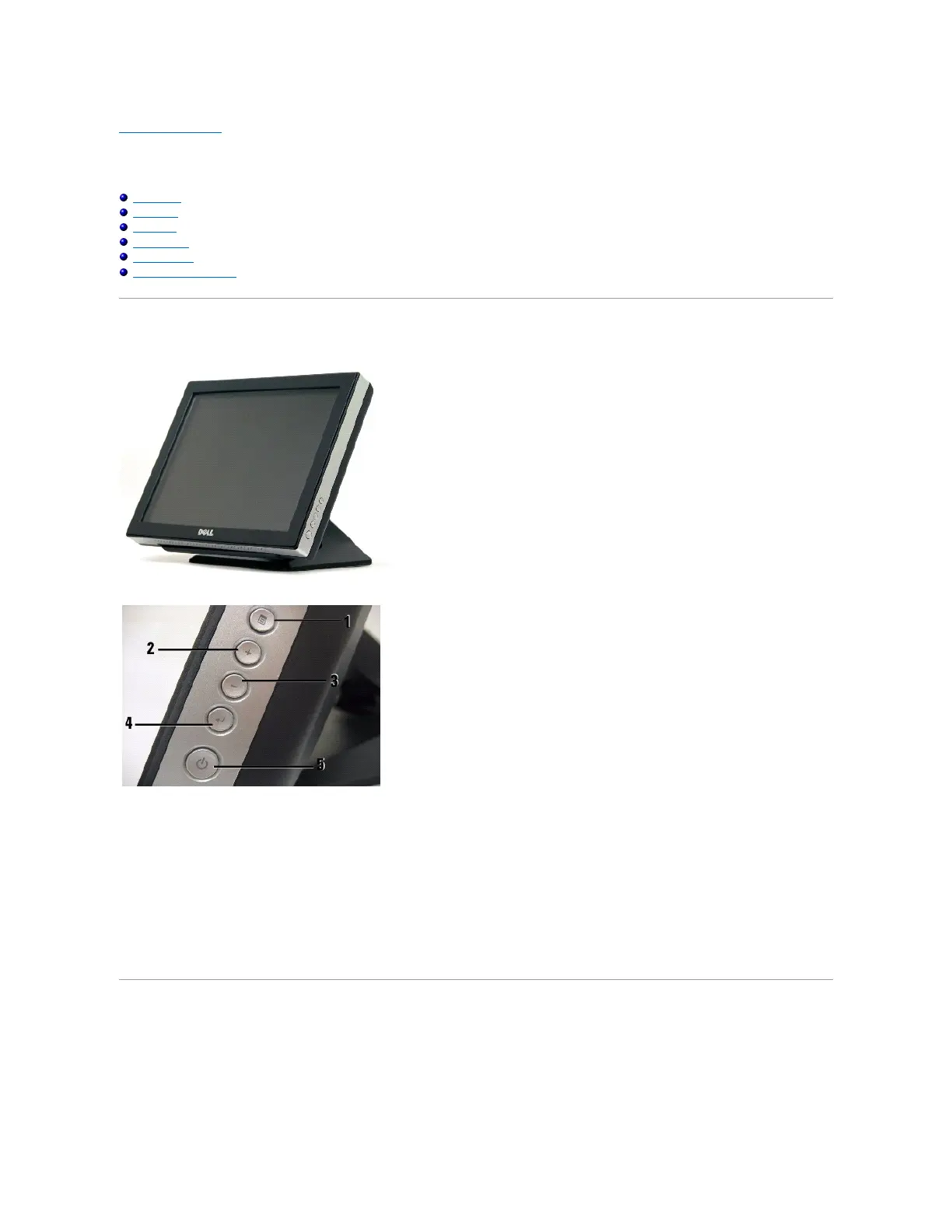
Front View
1. Menu button - Enters/exits the OSD menu.
2. Adjust up / Contrast button - Adjusts screen contrast, increases value of the selected OSD item, and moves the OSD selection cursor in the clockwise
direction.
3. Adjust down /Volume button - Adjusts volume, decreases value of the selected OSD item, and moves the OSD selection cursor in the counter-clockwise
direction.
4. Select button- Enters an OSD item for adjustment.
5. Power button- Enables/disables monitor power.
Back View


 To Next Page
 Loading...