4 Power button with optional ngerprin
t reader
Press to turn on the computer if it is turned o
, in sleep state, or in hibernate state.
When the computer is turned on, press the power button to put the computer into sleep state; press and hold the power button for 4
seconds to force shut-down the computer.
If the power button has a ngerprint reader, place your nger on the power button to log in.
NOTE
: You can customize power-button behavior in Windows. For more information, see
Me and My Dell
at
www.dell.com/
support/
manuals.
Display
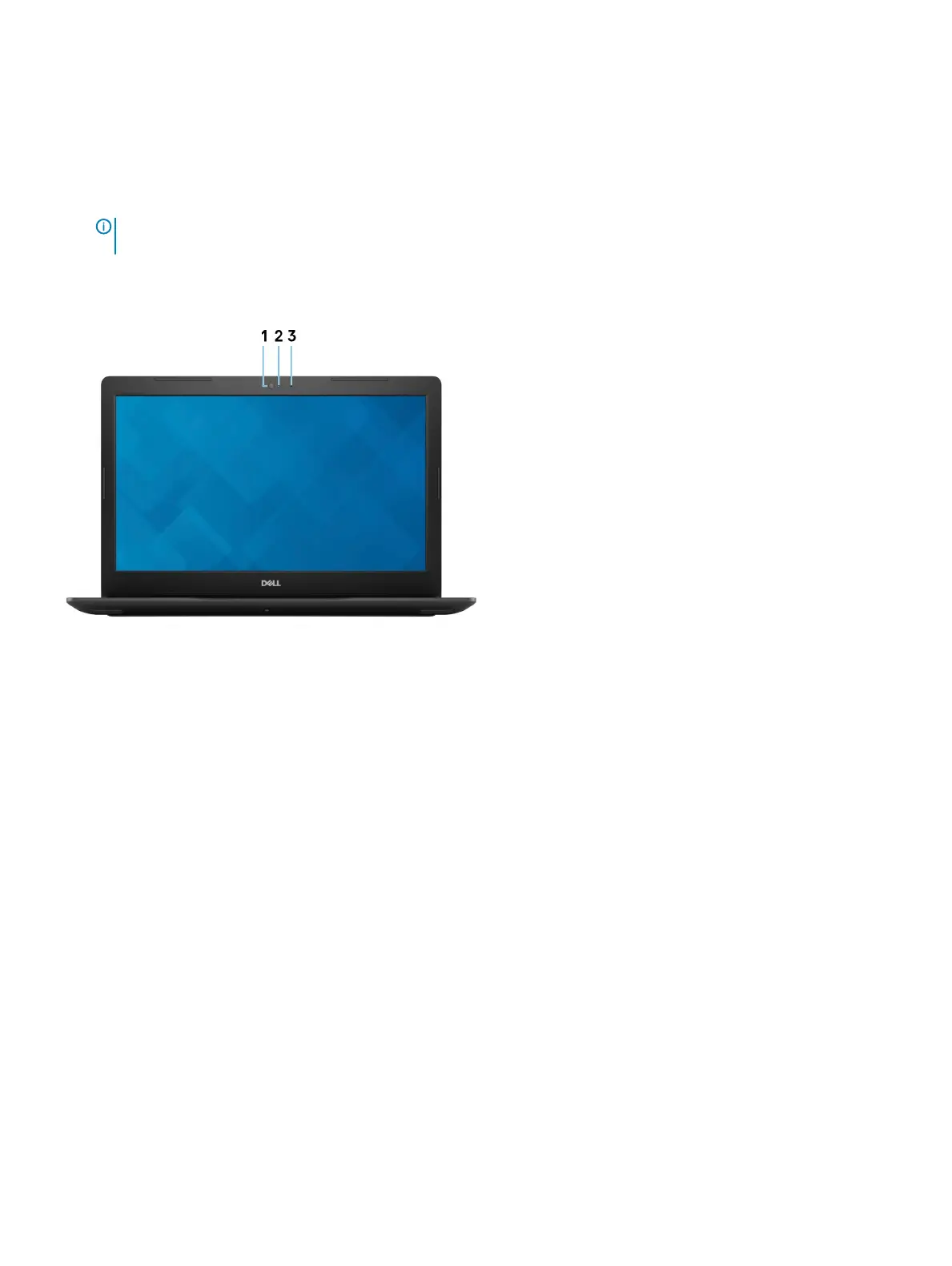
1 Camera
Enables you to video chat, capture photos, and record videos.
2 Camera-status light
Turns on when the camera is in use.
3 Microphone
Provides digital sound input for audio recording, voice calls, and so on.
Views of Inspiron 3582 9
Проконсультироваться и купить данное оборудование вы можете в компании «АНД-Системс»
адрес: 125480, г.Москва, ул.Туристская, д.33/1; site: https://andpro.ru тел: +7 (495) 545-4870 email: info@andpro.ru
При обращении используйте промокод AND-PDF и получите скидку.


 To Next Page
 Loading...




