6
Lower the lifter lever.
The tone arm slowly lowers, and playback starts when the stylus tip
reaches the record.
.
0
Be careful not to scratch records.
0
Observe the following during playback.
0
Do not touch the tone arm or turntable.
0
Do not disconnect the power.
0
Make sure the device is not subjected to vibration or impact.
0
Do not change the record until the turntable has completely stopped.
0
Do not apply pressure with your hand to stop the turntable while it is turning. Doing
so creates internal heat which can lead to equipment failure or fire.
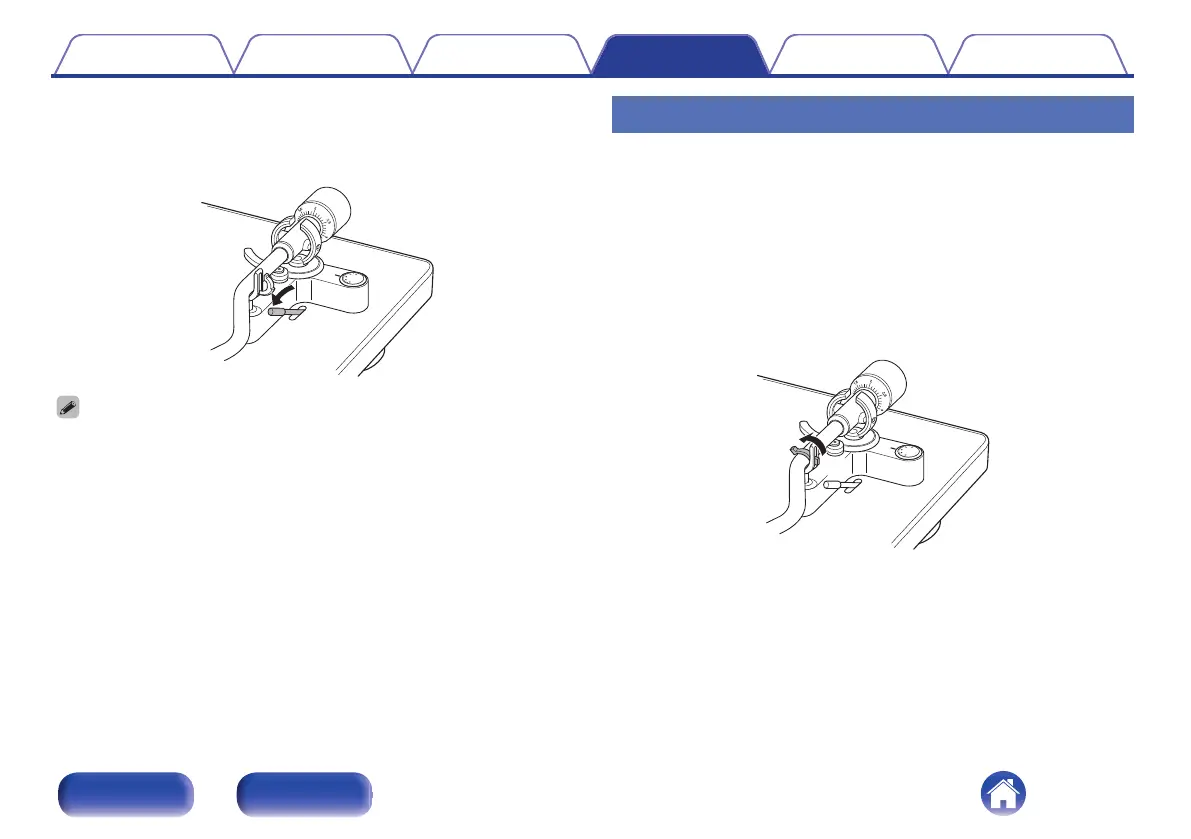
Stopping playback
1
Raise the lifter lever.
Raise the tone arm to remove the stylus from the record.
2
Holding the finger lift of the headshell, return the tone
arm to the armrest.
3
Lower the lifter lever.
4
Lock the tone arm into the armrest.
.
Contents
Preparations Connections
Playback and recording
Tips Appendix
28
Front panel Rear panel


 To Next Page
 Loading...