Denon Headphones app features
Read on for everything that you need to know about the Denon Headphones app.
With the Denon Headphones app, you can adjust the level of immersion, change or add hearing profiles, check battery status, enable/disable ANC and
social mode, and more.
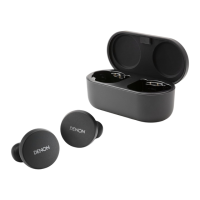
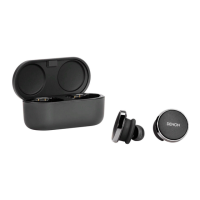
To set up the earbuds with the Denon Headphones app, remove the earbuds from the charging case and connect them to the Denon
Headphones app.
A
Menu
B
Equalizer
C
Add new profile
D
Share profile
E
Battery
F
Change profile
G
Unique hearing profile
H
Personalised mode
I
Spatial audio
J
Immersion
K
Social mode
Contents Basic part Advanced part Headphones app Troubleshooting Appendix
18


 To Next Page
 Loading...