Mounting the Battery
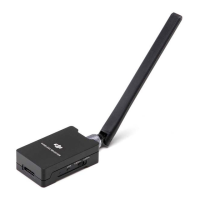
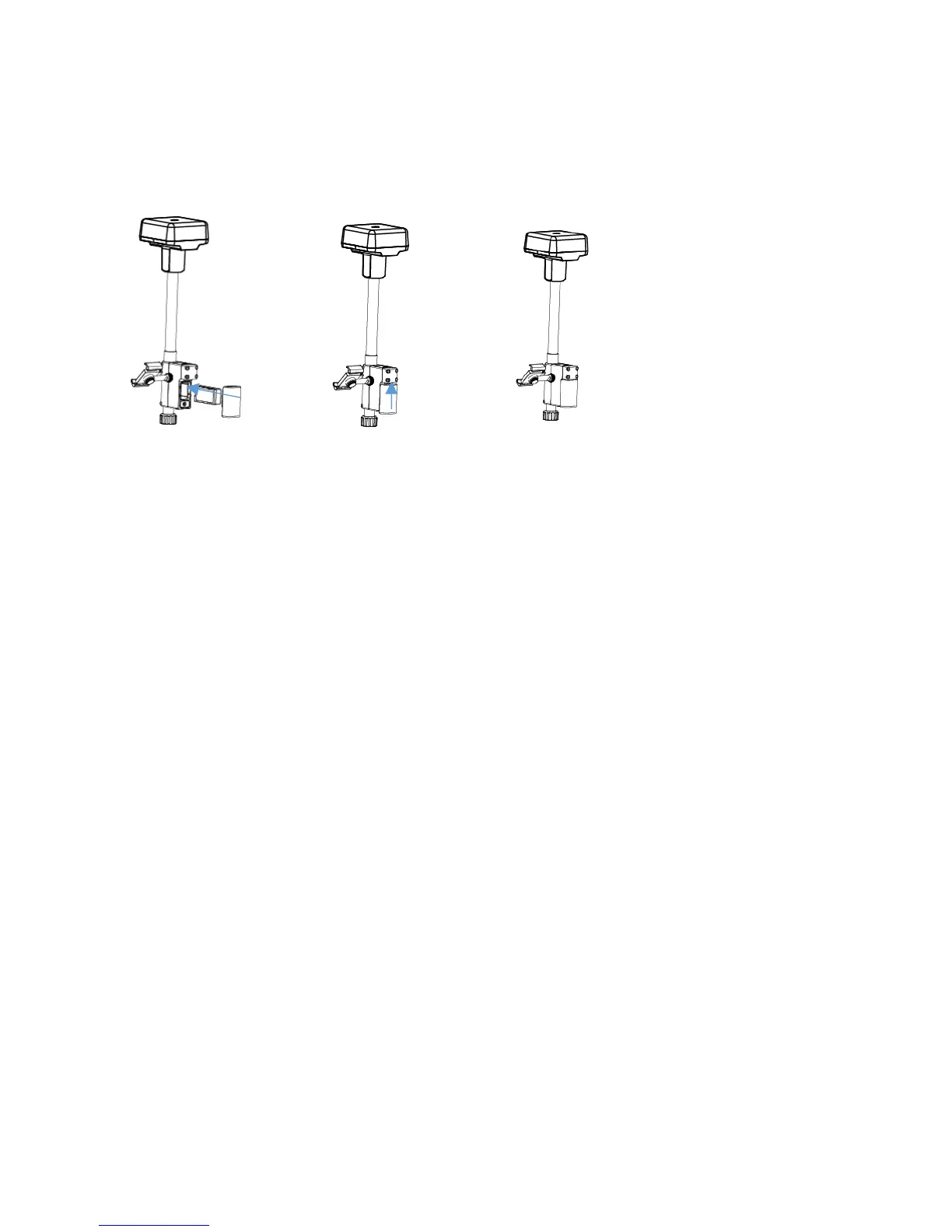
Mounting the Dongle
Important:
OnlyuseaDJIapproveddongle.
The dongle supports various network standards. Use a SIM card that is
compatible with thechosenmobilenetworkproviderandselecta mobile data
planaccordingtotheplannedlevelofusage.
UsethedongleandtheSIMcar dinaccordancewiththeirmanuals.
1.RemovetheDonglecoverwiththeM2.5HexagonWrench.
2.
InserttheSIMcardintothedongleandtheninsertthedongleintothe
compartment.Testtoensurethattheyfunctionproperly.*
3.Re‐mountthedonglecompartmentcover.
* Test procedure: Turn on the R400BS. In the DJI MG app select Network
Diagnostics. If the statuses of all the devices
in the network chain areshown in
greenthedongleandSIMcardarefunctioningproperly.


 To Next Page
 Loading...