Part Names and Functions
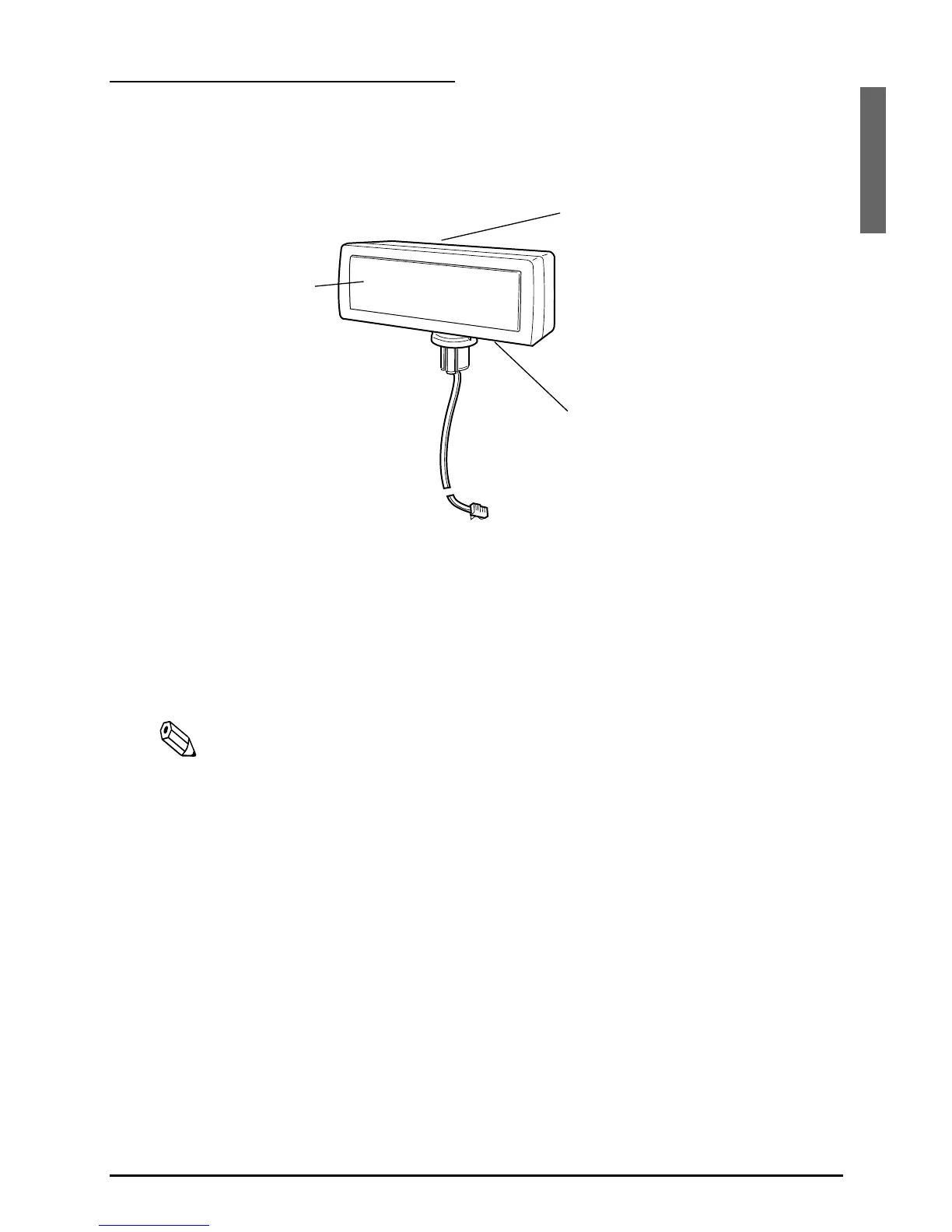
Exterior
❏ Display: Characters are displayed.
❏ Power switch: The power is turned on/off.
❏ DIP switch: The functions of the DM-D500 are changed.
(See “DIP switch” for details.)
Note:
When turning on the DM-D500 again after turning it off, wait for at least
3 seconds.
power switch
(bottom of the display)
DIP switch
(rear side of the display)
display


 To Next Page
 Loading...


