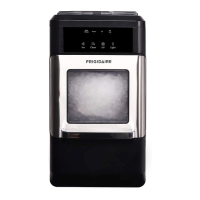
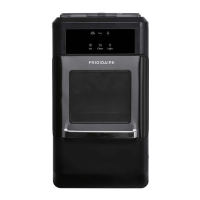
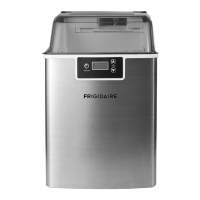
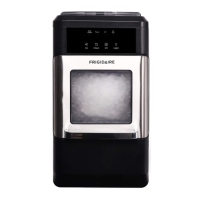
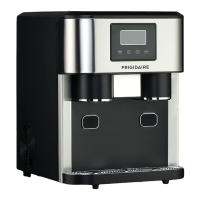
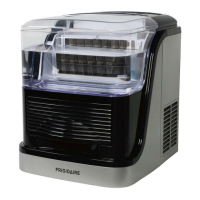
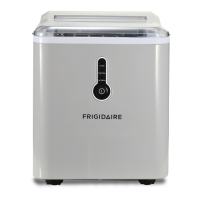
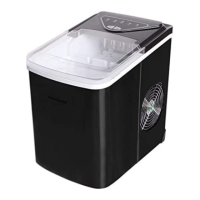
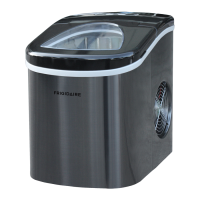
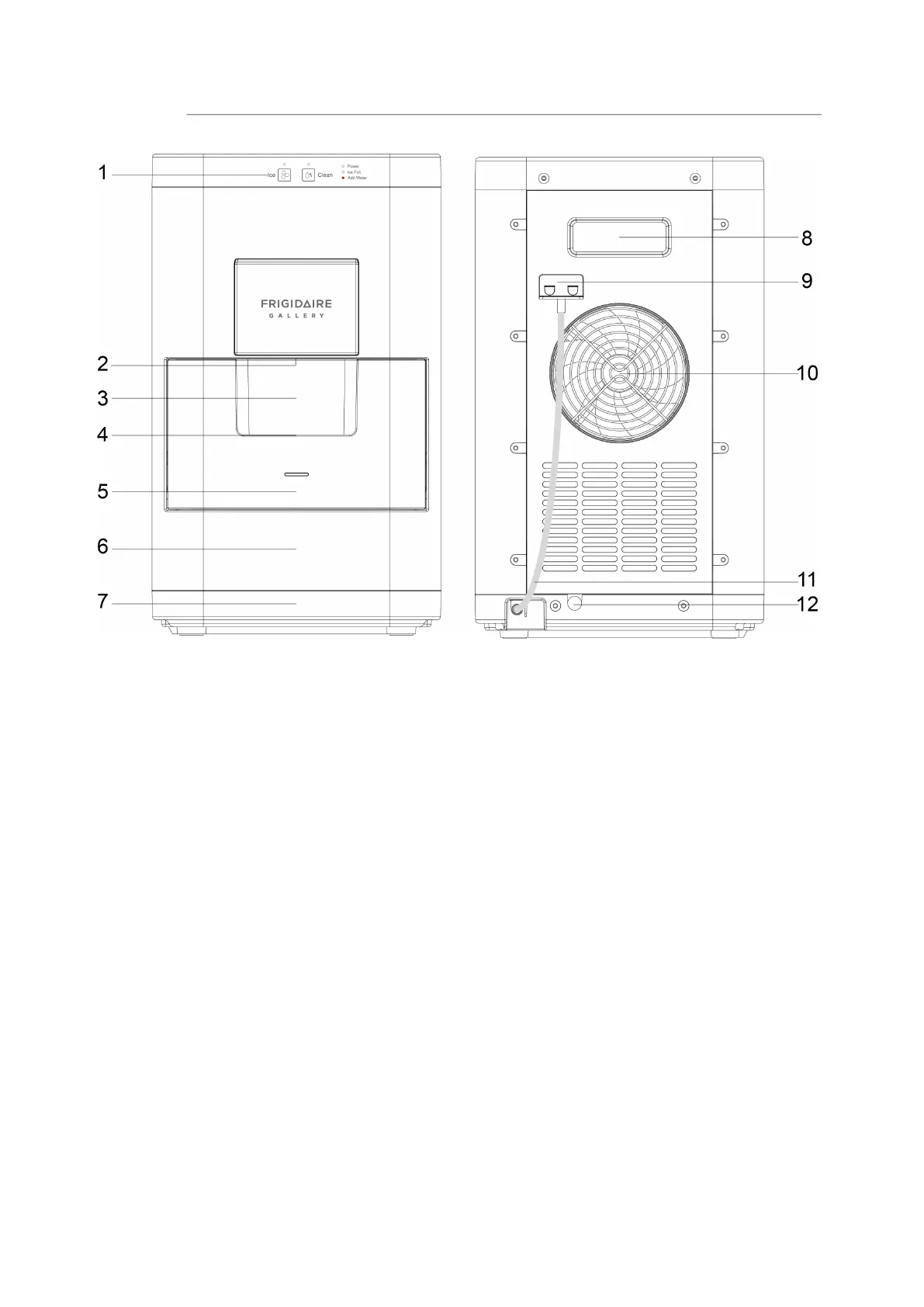
1. Control Panel:
Indicator light: Power, Ice, Ice Full, Add Water, Clean.
Button: Ice, Clean
2. Hole for moving this product
3. Observation window: See how much ice has been stored in the ice
basket
4. Handle for ice basket
5. Ice basket
6. Water reservoir
7. Drip tray: Insert to the unit before use
8. Hole for moving this product
9. Water drain cap: After cleaning procedure, remove drain cap from the
back of the appliance, pull out the cap from the drainpipe, empty the
tank under the ice basket, then reinsert the cap and put it back again
10.Hot Air outlet
11. Drainpipe: After cleaning procedure, you can collect dirty water from
the drainpipe
12. Power cord
GETTING TO KNOW YOUR UNIT
4


 To Next Page
 Loading...