3. SETTINGS AND ADJUSTMENTS
3-3
3.4 How to Suppress Main Bang
Main bang is the clutter at the center of the screen that you typically see on the radar
display, and it may mask close-in targets. If main bang appears at the screen center,
suppress it as follows.
1. Transmit the radar on a long range and then wait ten minutes.
2. Adjust the gain to show a slight amount of noise on the display.
3. Select the 0.25 NM range, and turn off the A/C SEA control.
4. Show the [RADAR INSTALLATION] menu, then select [1 ECHO ADJ] followed by
[4 MBS].
5. Set a value that causes the main bang to just disappear. The setting range is 0 to
255.
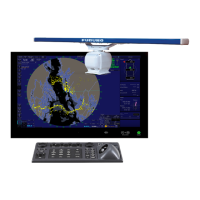
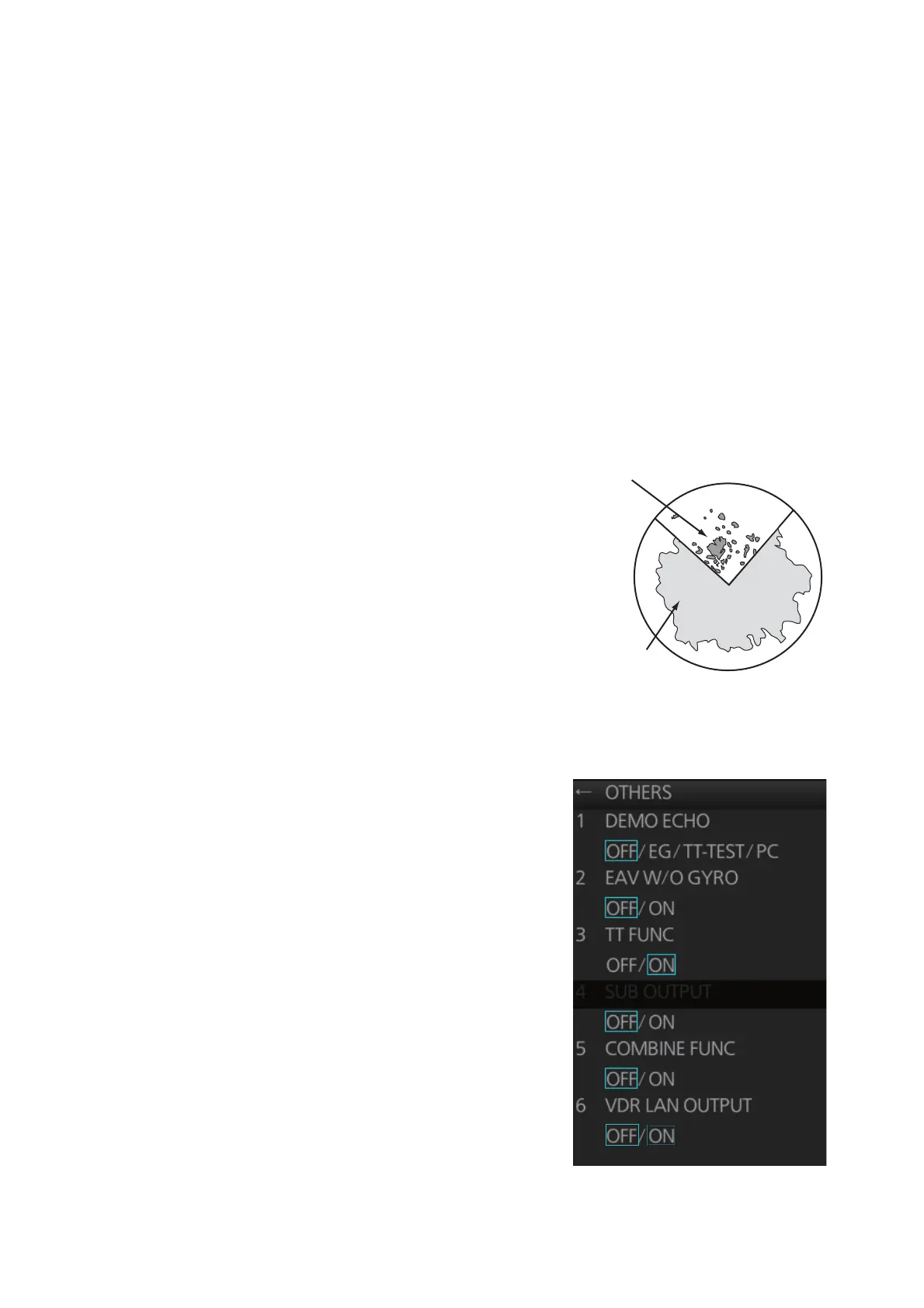
3.5 Dual Radar Display
The dual radar display, available with theB-
type specification radar, shows radar im-
ages from two radar sources on one radar
display. Any combination of X- and S-band
radars is possible.
Note: The [RADAR INSTALLATION] menu
is inoperative (greyed out on the installation
menu) when the dual radar display is ac-
tive.
3.5.1 How to enable, disable the dual radar display
1. Open the [RADAR INSTALLATION] menu,
then select [OTHERS] menu.
2. Select [5 COMBINE FUNC].
3. Select [OFF] or [ON] as appropriate.
Image from main radar
Image from
external radar


 To Next Page
 Loading...