TV Main Menu
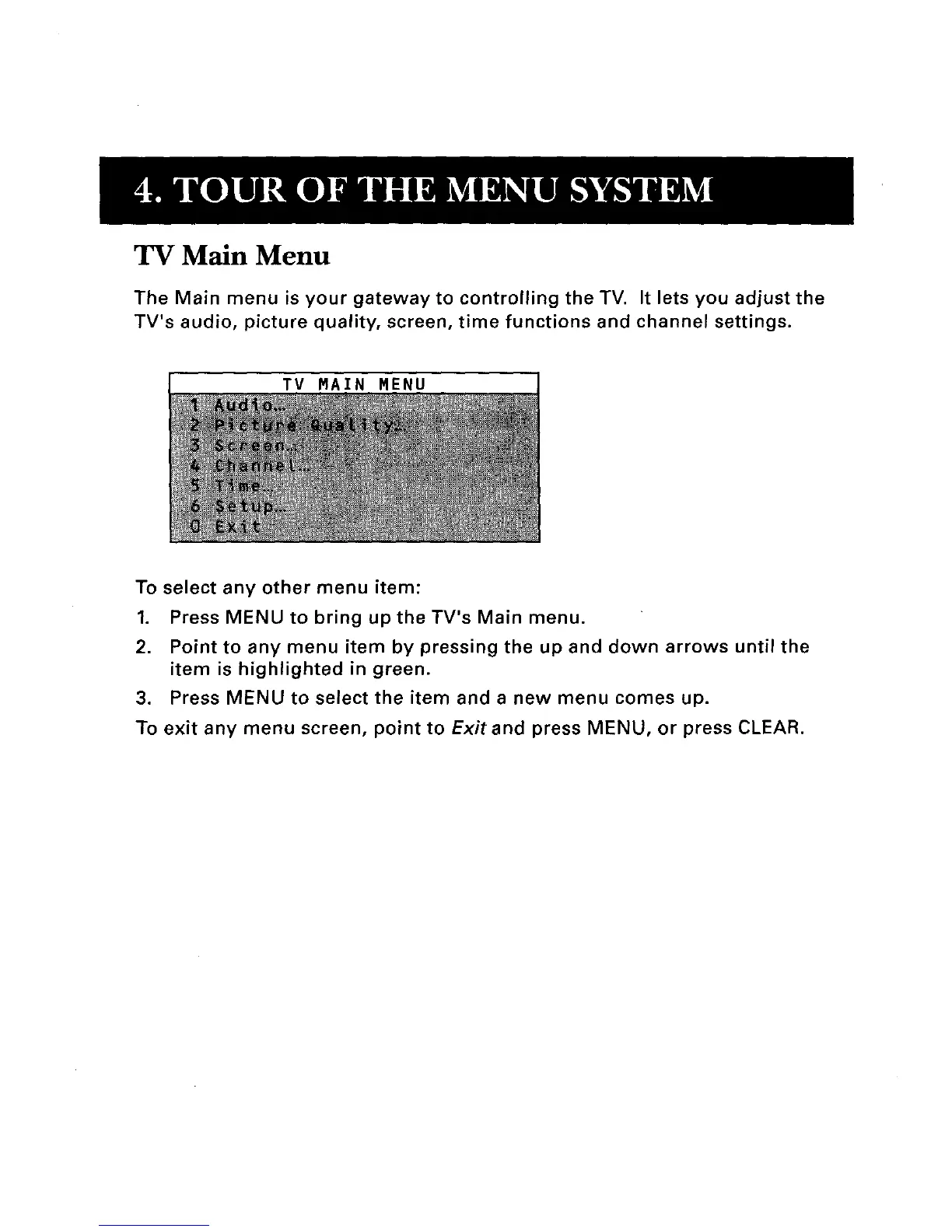
The Main menu is your gateway to controlling the TV. It lets you adjust the
TV's audio, picture quality, screen, time functions and channel settings.
TV MAIN MENU
To select any other menu item:
1. Press MENU to bring up the TV's Main menu.
2. Point to any menu item by pressing the up and down arrows until the
item is highlighted in green.
3. Press MENU to select the item and a new menu comes up.
To exit any menu screen, point to Exitand press MENU, or press CLEAR.



 To Next Page
 Loading...

