31
08 System Commissioning
User Manual V1.0-2022-10-30
8 System Commissioning
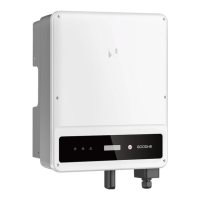
8.1 Indicators and Buttons
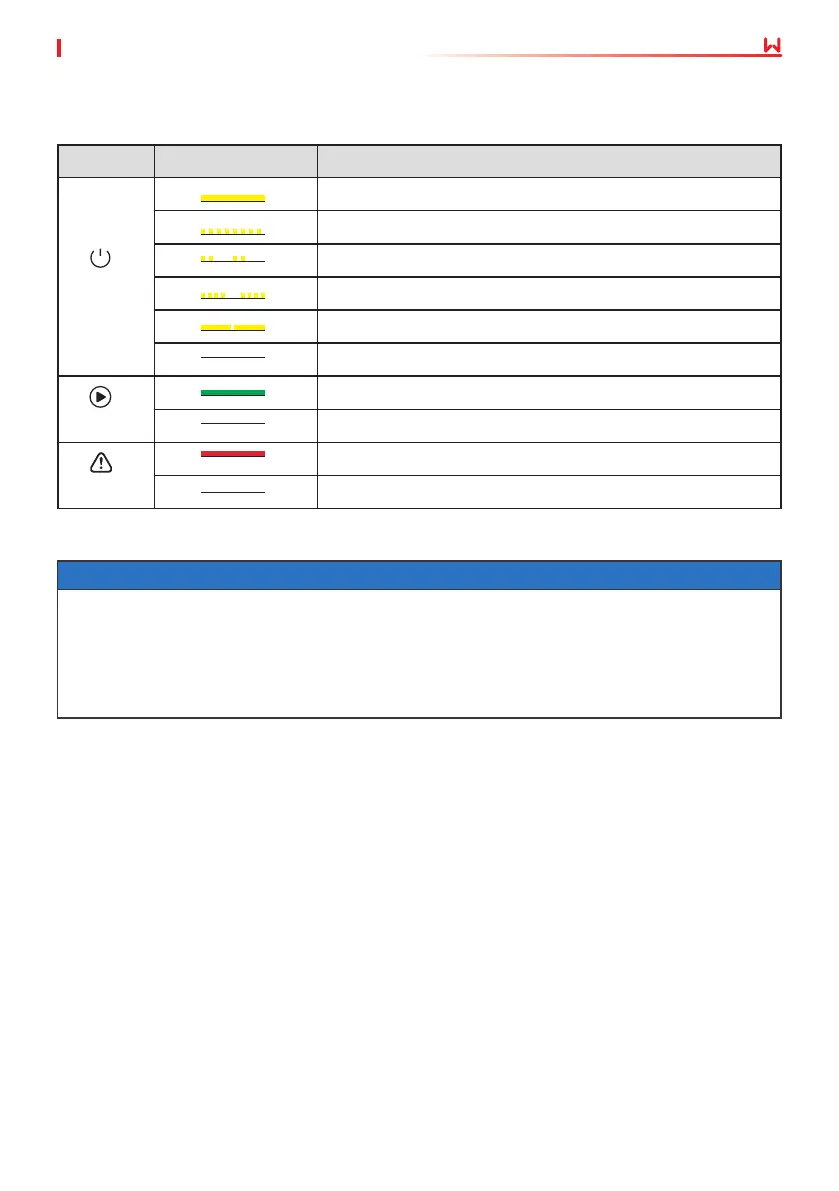
Indicator Status Description
ON = WiFi is connected/active.
BLINK 1 = WiFi system is resetting.
BLINK 2 = WiFi not connect to the router.
BLINK 4 = WiFi server problem.
BLINK = RS485 is connected.
OFF = WiFi is not active.
ON = The inverter is feeding power.
OFF = The inverter is not feeding power at the moment.
ON = A fault has occurred.
OFF = No fault.
Faulty
Operating
Power
8.2 Setting Inverter Parameters via LCD
NOTICE
• Inverter software version shown in this document is V1.00.00.13. The screenshots are for
reference only. The actual interface may dier.
• The name, range, and default value of the parameters are subject to change or adjustment.
The actual display prevails.
• To prevent the generating capacity from being inuenced by wrong parameters, the power
parameters should be set by professionals.



 To Next Page
 Loading...