13
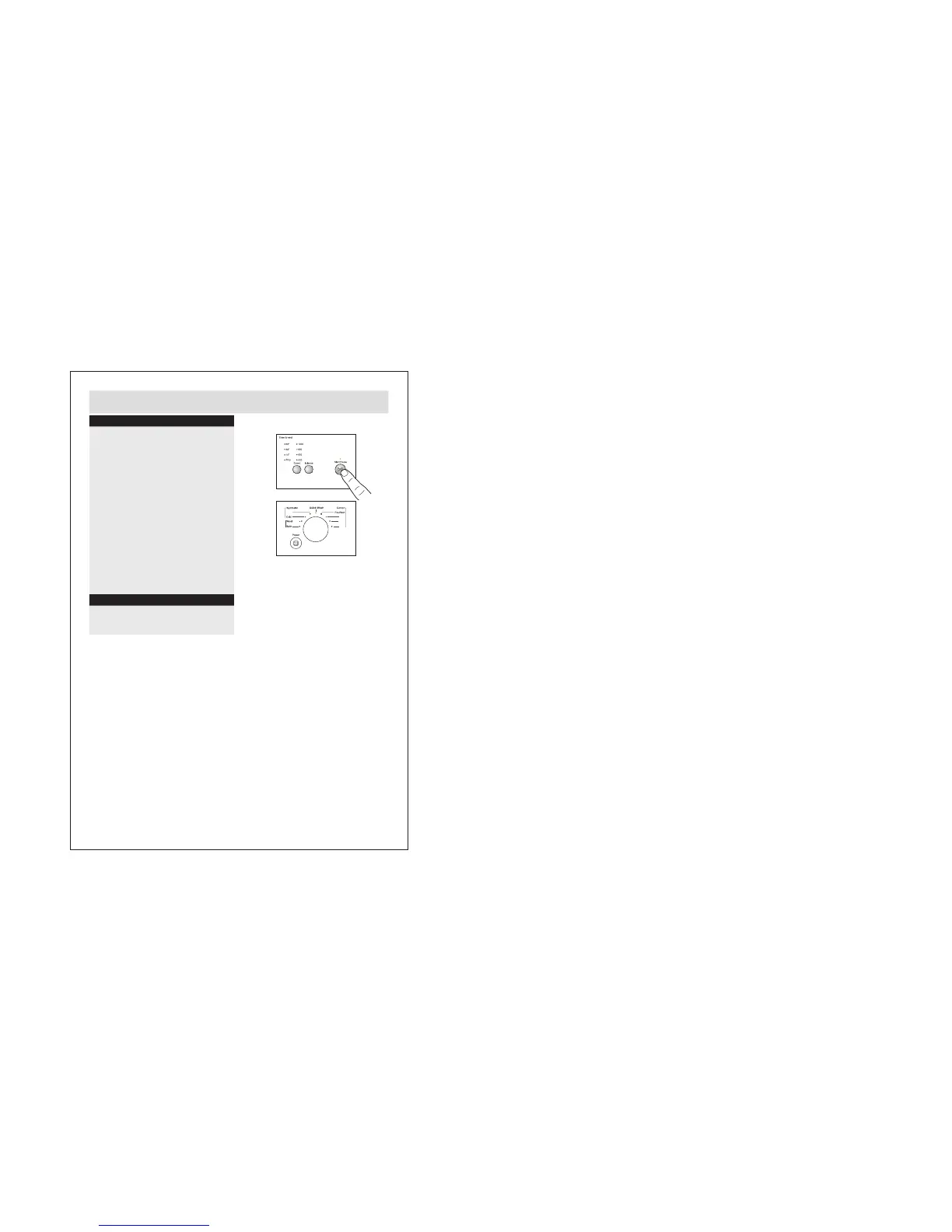
Changing a selected programme
6. Start washing
When the washing machine is connected to
the power socket and a program is selected,
lightly touch this button to start operation. Du-
ring a wash cycle, touch it lightly ,operation
will stop and the indicator light start blinking.
Touch it again to resume operation. To cancel
a wash program during a wash cycle, touch
this button, when the indicator light start blin-
king, press the Power switch, the program will
be cancelled.
7. Finish washing
When the washing programme has finished the
washing machine will power off ‘slowly’ for 1-3
minutes and the door will unlocked while the
washing machine cools down.
If you need to change a programme that has
already been selected do the following:
a:
b:
Turn the power off (press at the power button).
c:
Turn the power back on.
Set the programme selection dial to the new
programme as required.
7
6
C
。
90
C
。
60
C
。
40
C
。
40
C
。
30


 To Next Page
 Loading...