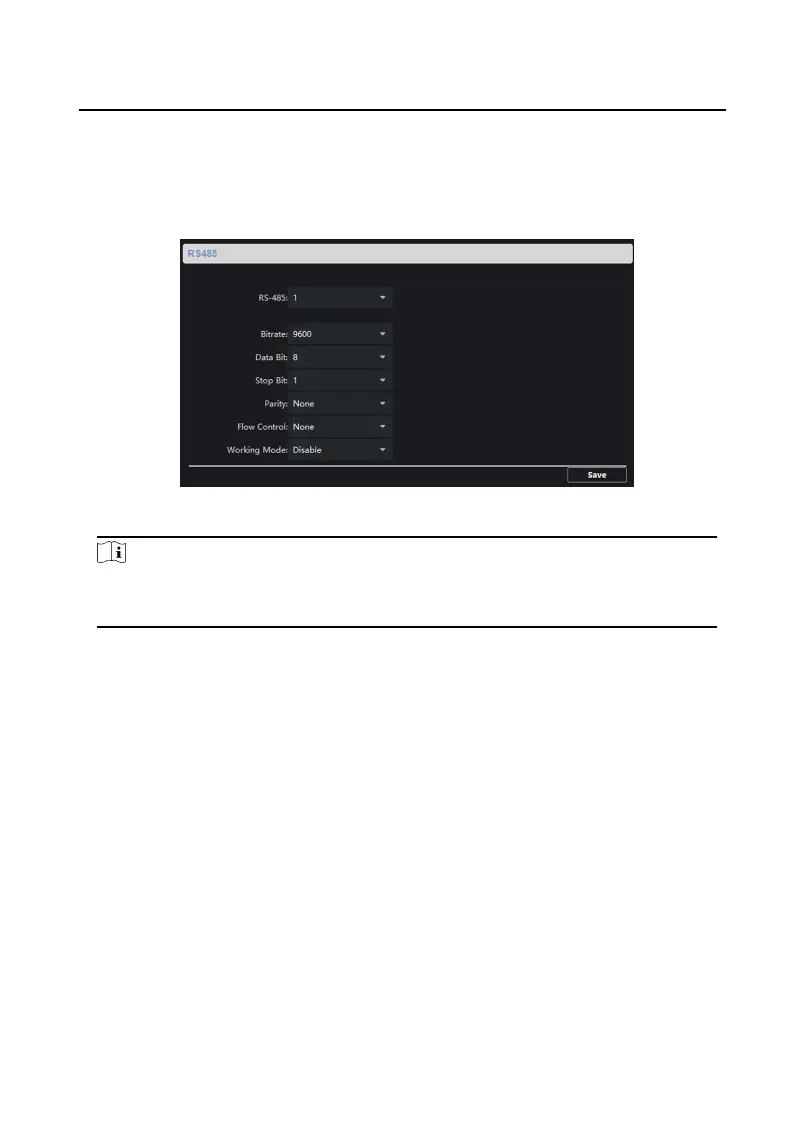
RS-485
Click RS485 to enter the RS-485 sengs page. You can view and edit the
RS-485 parameters of the device.
Figure 3-7 RS-485 Sengs
Note
For indoor staon and master staon, there are 3 choices for the working
mode: transparent channel, disable, and custom.
3.4.2 Video Intercom
Click Video Intercom on the remote conguraon page to enter the video intercom
parameters
sengs: Device Number Conguraon, Time Parameters, Password,
Zone Conguraon, IP Camera Informaon, and Volume Input and Output
Conguraon, and so on.
Device ID
Conguraon
Steps
1.
Click ID Conguraon to enter device ID conguraon page.
Network Indoor
Staon Conguraon Guide
26


 To Next Page
 Loading...