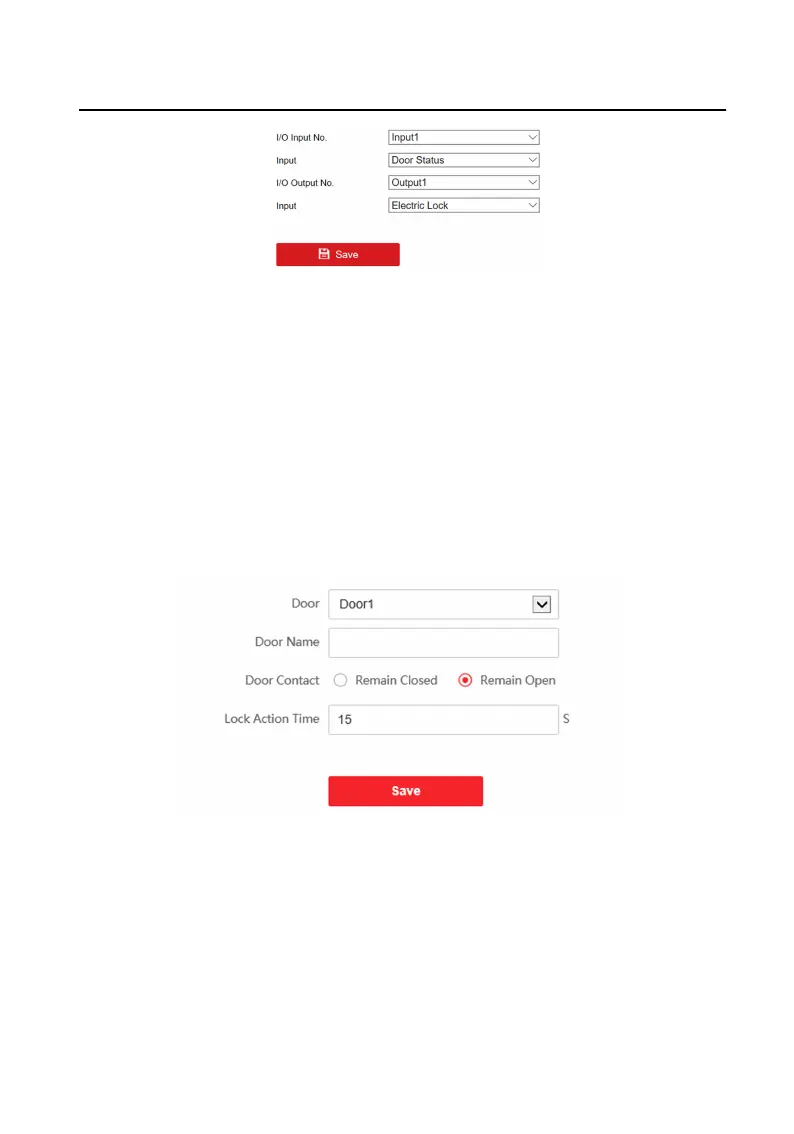
Figure 5-15 IO Input and Output
Select I/O Input No., Input, I/O Output No. and Output.
Click Save to enable the sengs.
5.5.9 Access Control Sengs
Door Parameters
Steps
1.
Click Access Control → Door Parameters to enter the sengs page.
Figure 5-16 Door Parameters
2.
Select the door and edit the door name.
3.
Set door contact status.
4.
Set lock
acon me.
5.
Click Save to enable the
sengs.
Card Security
Video Intercom Villa Door Staon User Manual
43


 To Next Page
 Loading...