10
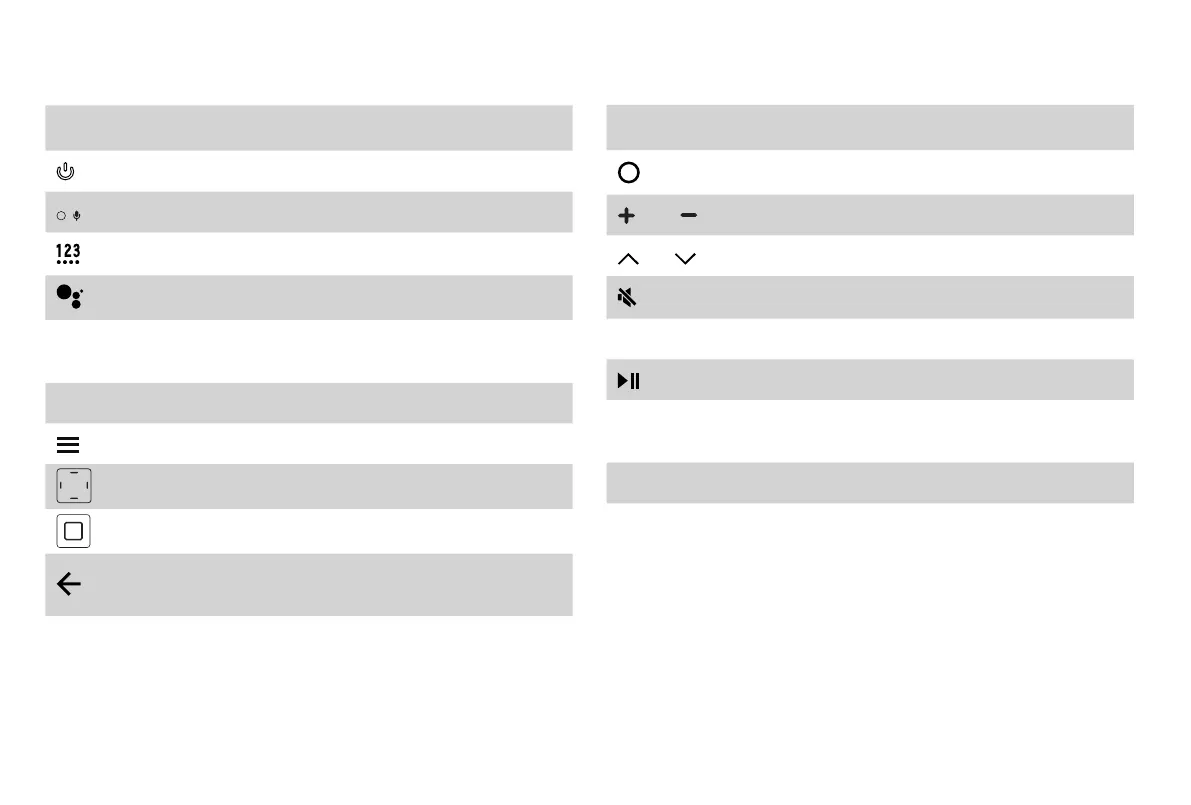
Buttons on your TV remote
BUTTON DESCRIPTION
Power on / off
Power Indicator and Microphone
Turn on the virtual keyboard
Google Assistant
CC
Turn Closed Caption On/Off and turn Closed
Caption on when mute
TV Return to the previous source
The button for the Menu
D-pad (up/down/left/right navigation buttons)
Conrmation button
Return to the previous place in the menu or
app
BUTTON DESCRIPTION
Display the Home screen
VOL Volume (up/down)
CH Channel (up/down)
Mute and restore sound
MTS Set the audio language(MTS)
Media content control function buttons
NRT
Choose to leave the Video description feature
On or Off
APP Quick access buttons to apps
APP/FUNC
Quick access buttons to apps or to some func-
tions
NOTE:
The button descriptions are only provided as a
reference.
The actual appearance of your remote may differ from
the buttons that are listed.


 To Next Page
 Loading...