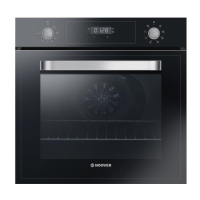
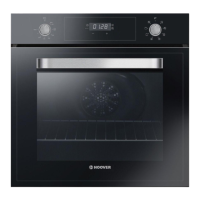
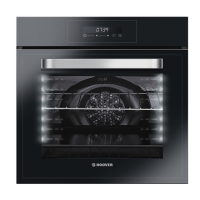
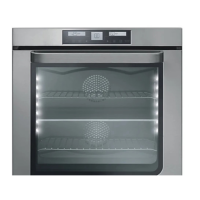
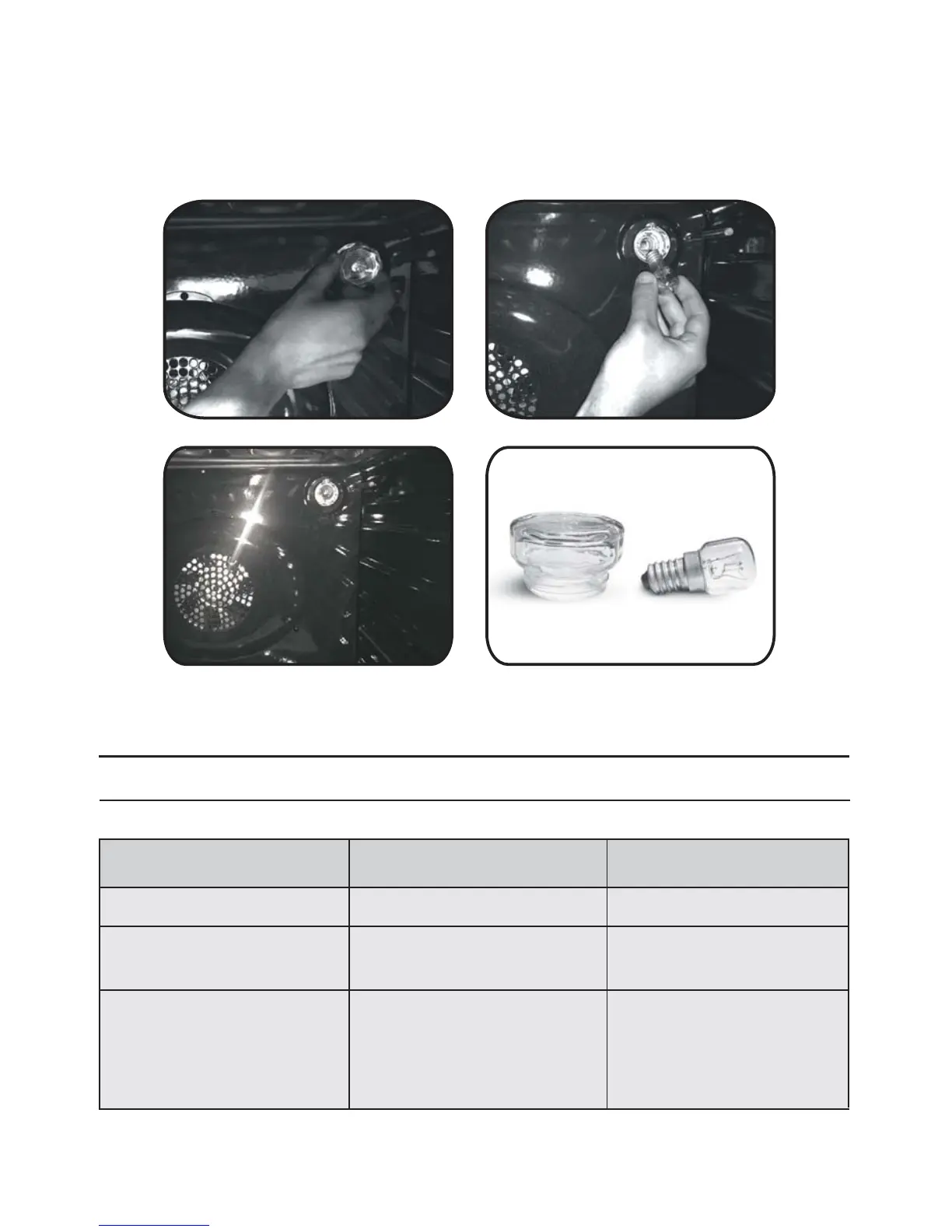
CHANGING THE BULB
1. Disconnecttheoven from the mains supply.
2. Undo the glass cover, unscrew the bulb and replaceitwithanewbulb of the same type.
3. Once the defective bulb is replaced,replace the glass cover.
5. Troubleshooting
5.1 FAQ
PROBLEM POSSIBLE CAUSE SOLUTION
The oven does not heat up
The clock is not set Set the clock
A cooking function and
temperature has not been set
Ensure that the necessary
settings are correct
The oven does not heat up
EN 14
Steam and condensation on
the user interface panel
Clean with a microfiber
cloth the user interface
panel to remove the
condensation layer
No reaction of the touch
user interface


 To Next Page
 Loading...