ENGLISH
3
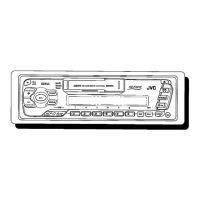
T P FMAM
AM FMCD-
CH
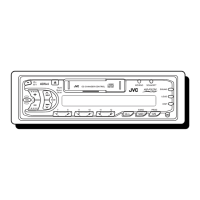
BASIC OPERATIONS
Note:
When you use this unit for the
first time, set the built-in
clock correctly, see page 20.
/I
ATT
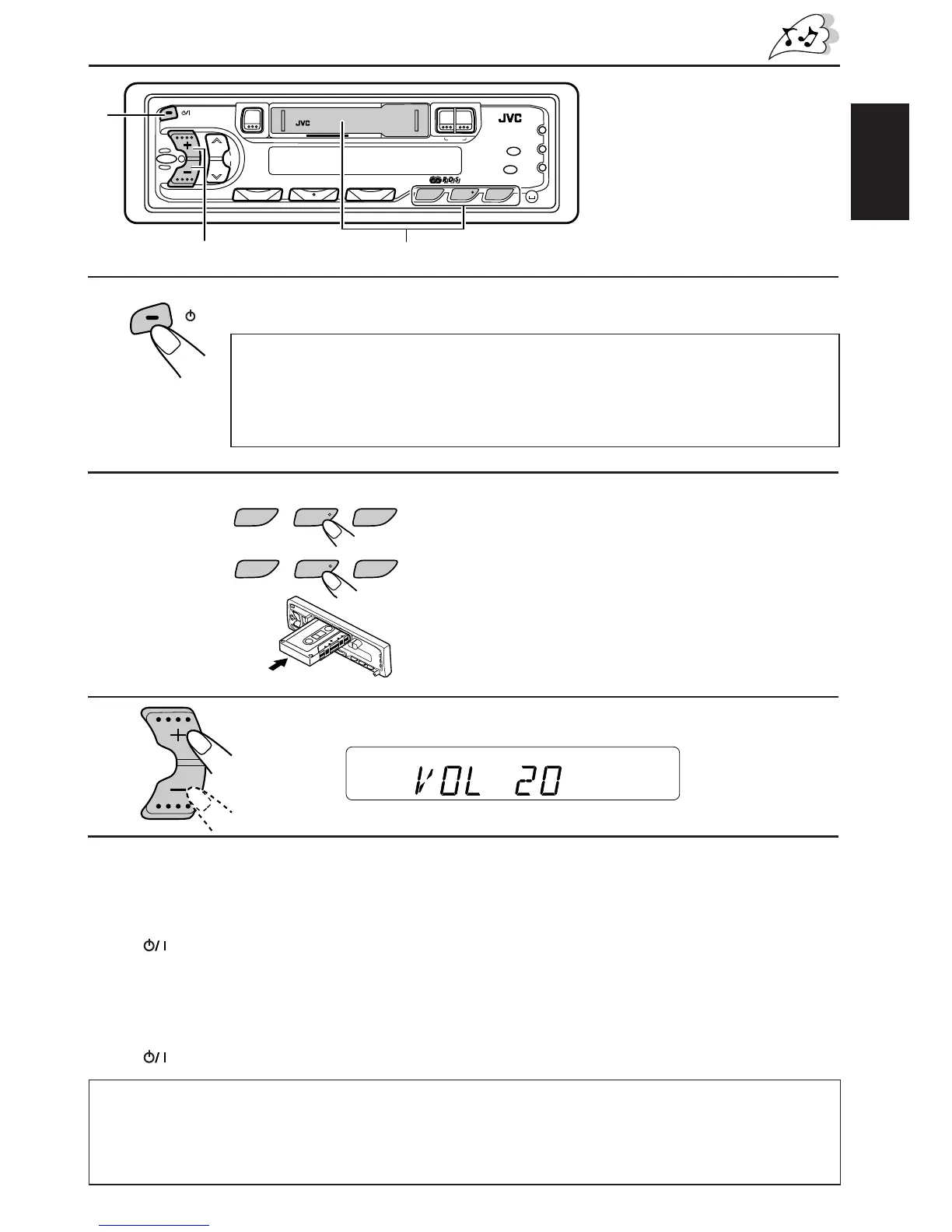
Turn on the power.
1
2
Play the source.
To operate the tuner, see pages 4 – 15.
To operate the tape deck, see page 16.
ONLY FOR KS-FX430R:
To operate the CD changer, see pages 24 – 26.
.
3
4
To drop the volume in a moment
Press ATT briefly while listening to any source. “ATT” starts flashing on the display, and
the volume level will drop in a moment.
To resume the previous volume level, press the button briefly again.
To turn off the power
Press ATT for more than 1 second.
Note on One-Touch Operation:
• When you select tuner as a source in step 2 below, the power automatically
comes on. You do not have to press this button to turn on the power.
• If the cassette is already in the cassette compartment, tape play starts
automatically.
1
23
1
¡
5
0
Note:
For security reasons, a numbered ID card is provided with this unit, and the same ID number is
imprinted on the unit’s chassis. Keep the card in a safe place, as it will help the authorities to
identify your unit if stolen.
Volume level appears.
Adjust the volume.
Adjust the sound as you want (see pages 17 – 19).
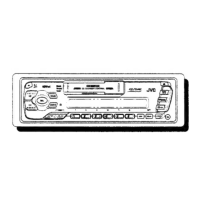
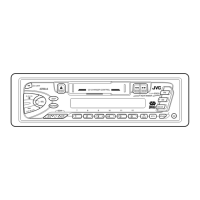
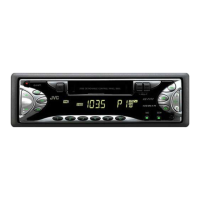
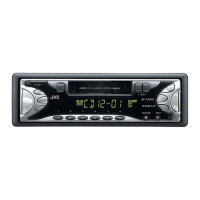
KS-FX430R
KS-F330R



 To Next Page
 Loading...