English – 21
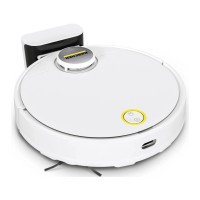
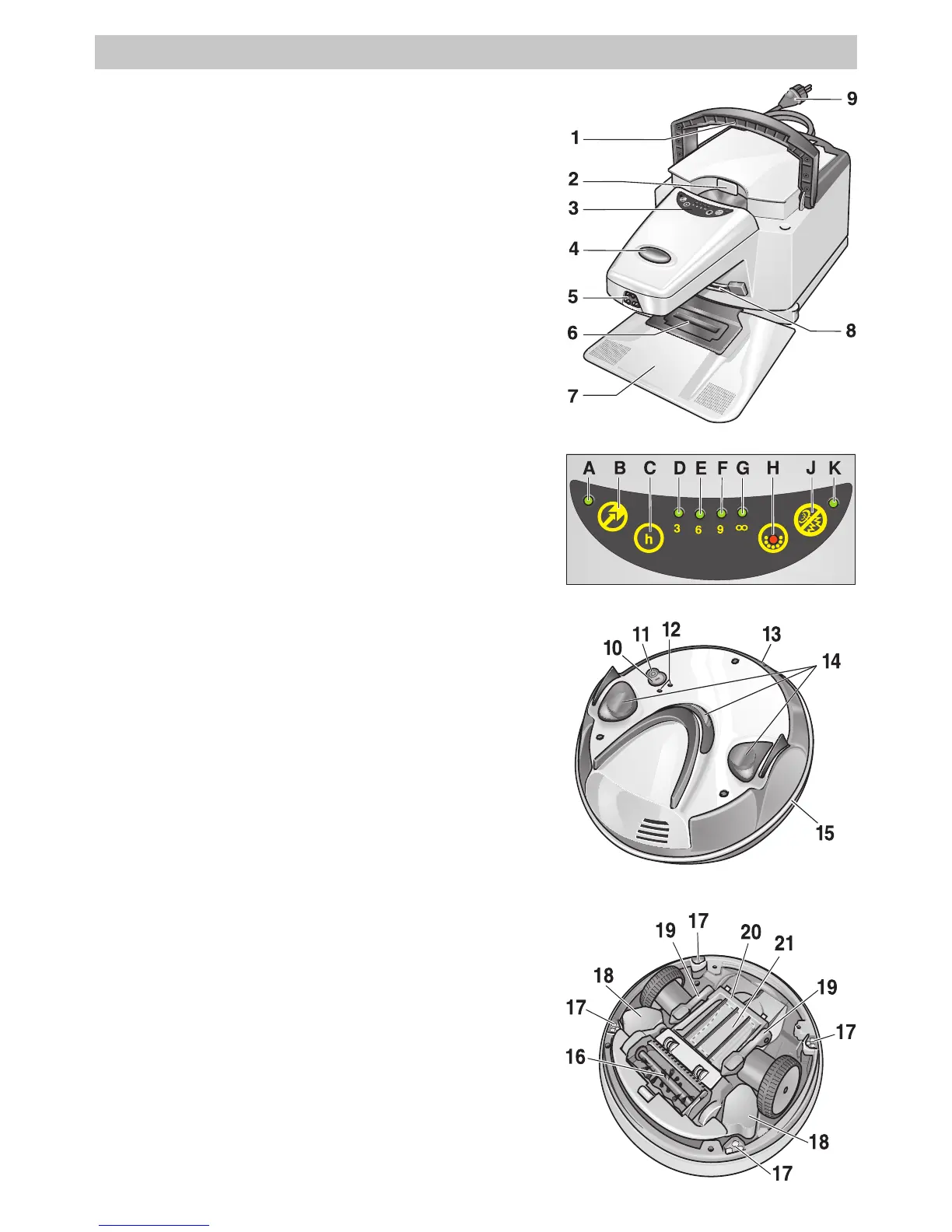
Station for cleaning robot
1 Retractable handle for the transport of the station
2 Recessed grip to open the filter cover
3 Operating panel of the station
4 ON/OFF switch of the station
5 IR sender
6 Suction hole
7 Access ramp for the cleaning robot
(to dock onto the station)
8 Battery contacts
9 Power cord
Operating panel of the station (3)
A Indicator lamp (green) - parking the robot
B “Parking the robot” button ON/OFF
C “Select cleaning duration” button
D Indicator lamp (green) - 3-hour-cleaning
E Indicator lamp (green) - 6-hour-cleaning
F Indicator lamp (green) - 9-hour-cleaning
G Indicator lamp (green) - permanent cleaning
H Indicator lamp (red) - filter full
J “Quiet mode” button - ON/OFF
K Indicator lamp (green) - quiet mode
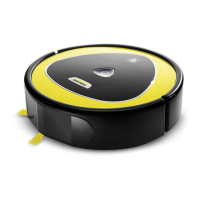
Cleaning rCleaning r
Cleaning rCleaning r
Cleaning r
obotobot
obotobot
obot
10 “Turn on robot” button
11 “Turn off robot” button
12 LEDs (green - operation / red - failure)
13 Battery contacts
14 Safety bumper
15 IR receiver
16 Brush
17 Optical sensor (4x)
18 Battery (2x)
19 Locking lever (2x) dirt receptacle
20 Cover of the dirt receptacle
21 Dirt receptacle
Operating Controls


 To Next Page
 Loading...