4
GETTING STARTED
BATTERY REMOVAL AND INSTALLATION
1. Make sure the unit is turned Off.
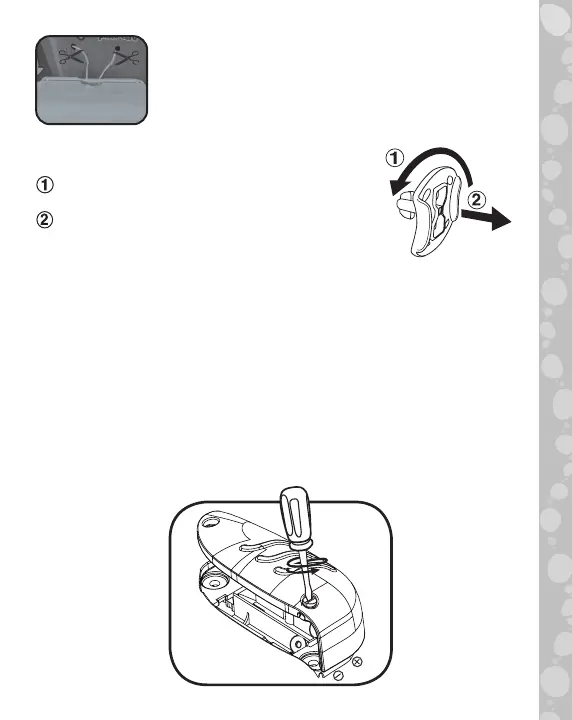
2. Find the battery cover located on the back of the unit, use a
screwdriver to loosen the screw and then open the battery cover.
3. Remove old batteries by pulling up on one end of each
battery.
4. Install 2 new AAA (AM-4/LR03) batteries following the
diagram inside the battery box.
5. Replace the battery cover and tighten the screw to secure.
Rotate the packaging locks 90
degrees counterclockwise.
Pull out the packaging locks and
discard.
Unlock the Packaging Locks
NOTE
Please cut and discard the cords before
playing with the unit. The cords are not part
of the product and should be discarded for
your child’s safety.


 To Next Page
 Loading...