USB
41
Full Screen Menu
1. Press the USB button. Then, move to PHOTO LIST with the
<, > buttons and press the ◉OK button.
2. Press the ∧, ∨, <, > buttons to move to desired photo and
press the ◉OK button.
3. Press the ∧, ∨ buttons to move to View and press the ◉OK
button.
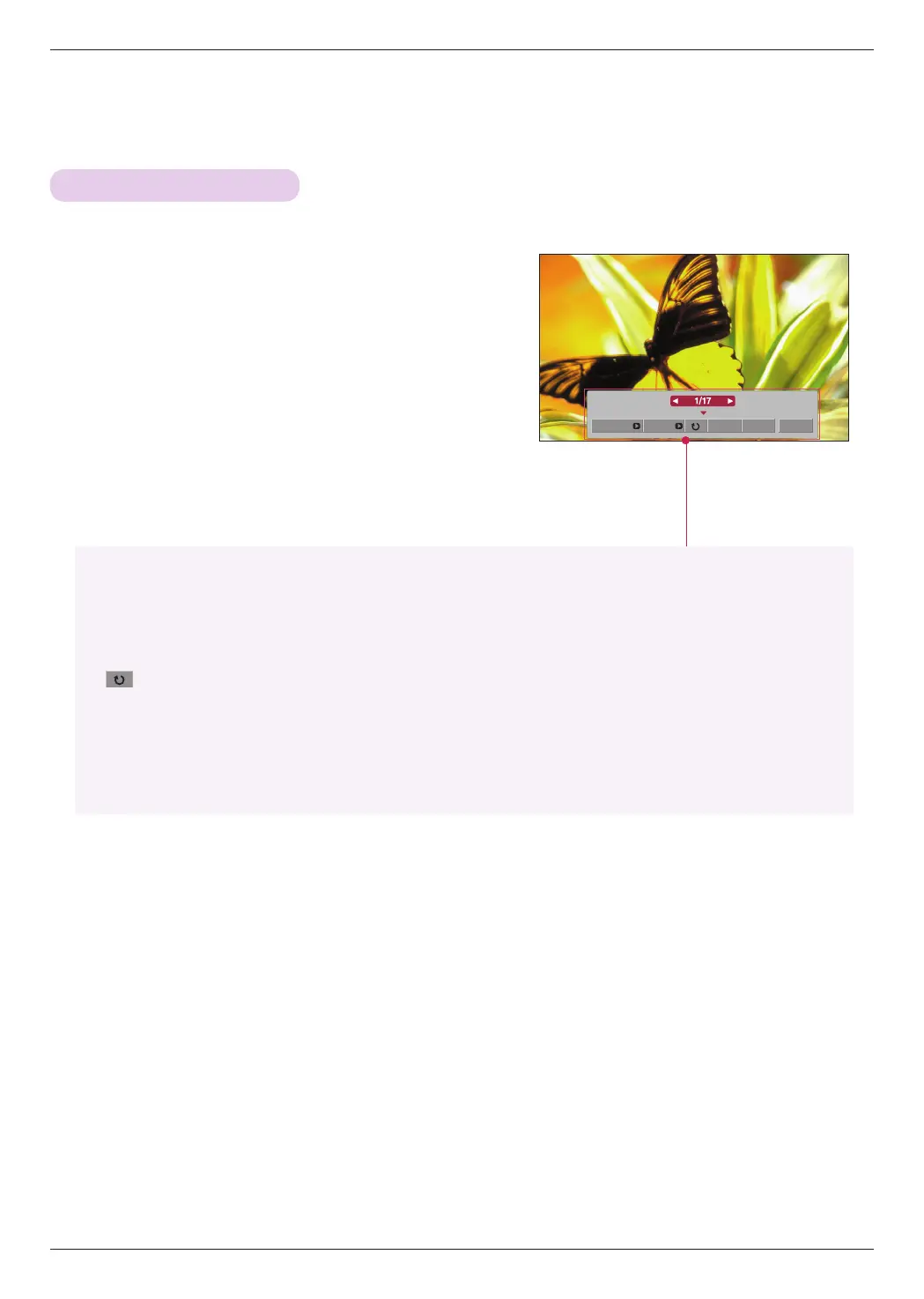
4. The selected photo is displayed in full size and show up the
menu.
5. Use ∧, ∨, <, > button to select and control the menu on
the full-sized screen.
Slideshow BGM Delete Option Hide
• Use <, > button to select the previous or next photo.
• Slideshow: Selected photos are displayed during the slide show. If no photo is selected, all photos in
the current folder are displayed during slide show.
- Set the time interval of the slide show in Option.
• BGM: Listen to music while viewing photos in full size.
- Set the BGM device and album in Option.
•
(Rotate): Rotate photos.
• Delete: Delete photos.
• Option: Set values for Slide Speed and Music Folder.
- You cannot change Music Folder while BGM is playing.
• Hide: Hide the menu on the full-sized screen.
- To see the menu again on the full-sized screen, press ◉OK button to display.


 To Next Page
 Loading...