14 Factory Defaults and Troubleshooting
Factory Defaults and Troubleshooting
Resetting Factory Defaults
To set the unit back to its Factory Defaults, do the following:
Step 1. Remove unit from wall and unplug ILS
Network connector (if equipped) and ITS
Network connector (if equipped).
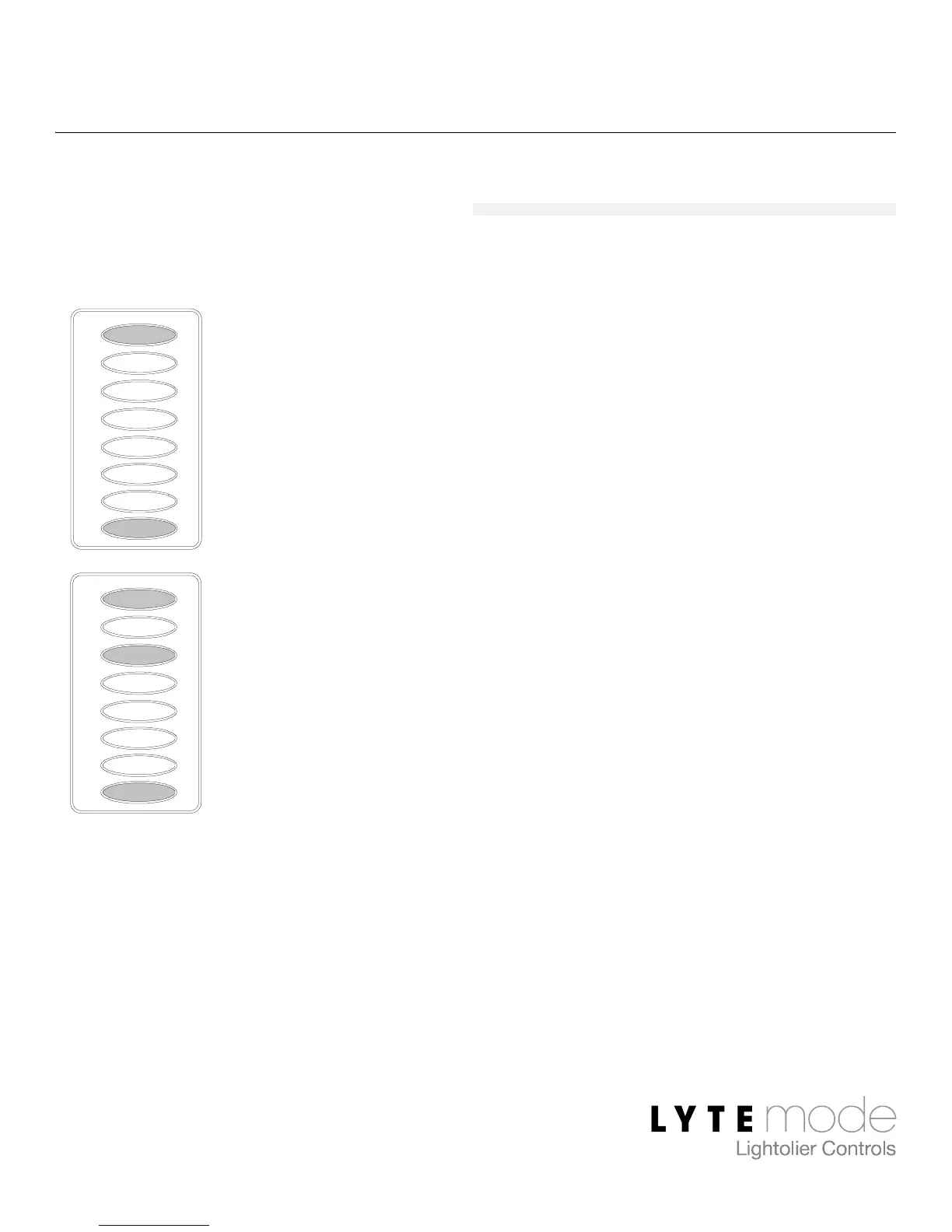
Step 2. Press and hold E and L.
Step 3. While still holding E/L buttons, apply
power to unit while re-connecting either
the ILS Network connector or the ITS
Network connector.
Factory Defaults are as follows:
• Unit Mode = 5 (Lyteswitch)
• Unit ID = 1
• LED intensity = 100%
L
G
H
I
J
K
F
E
L
G
H
I
J
K
F
E


 To Next Page
 Loading...