13
3. Press button ‘M’ again to increase the number, and press button ‘O/I’ for
confirmation;
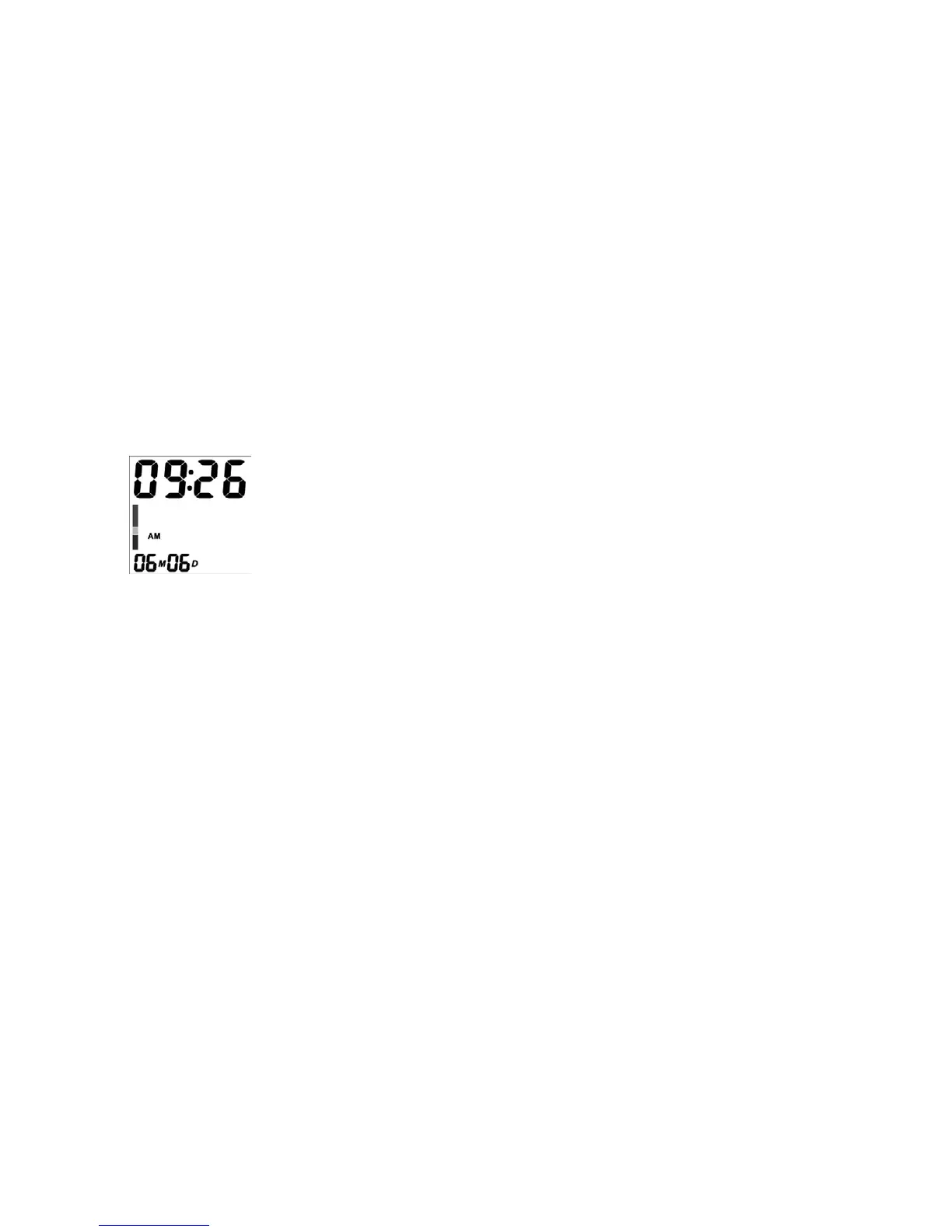
4. When the year setup is confirmed, the month number will flash automatically.
Follow the same instruction as above to set month, day and time;
Fig.3
5. Press button ‘O/I’ to finish setup. If you want to change the date and time,
repeat steps 2, 3, and 4.



 To Next Page
 Loading...