Problem solving guide
157
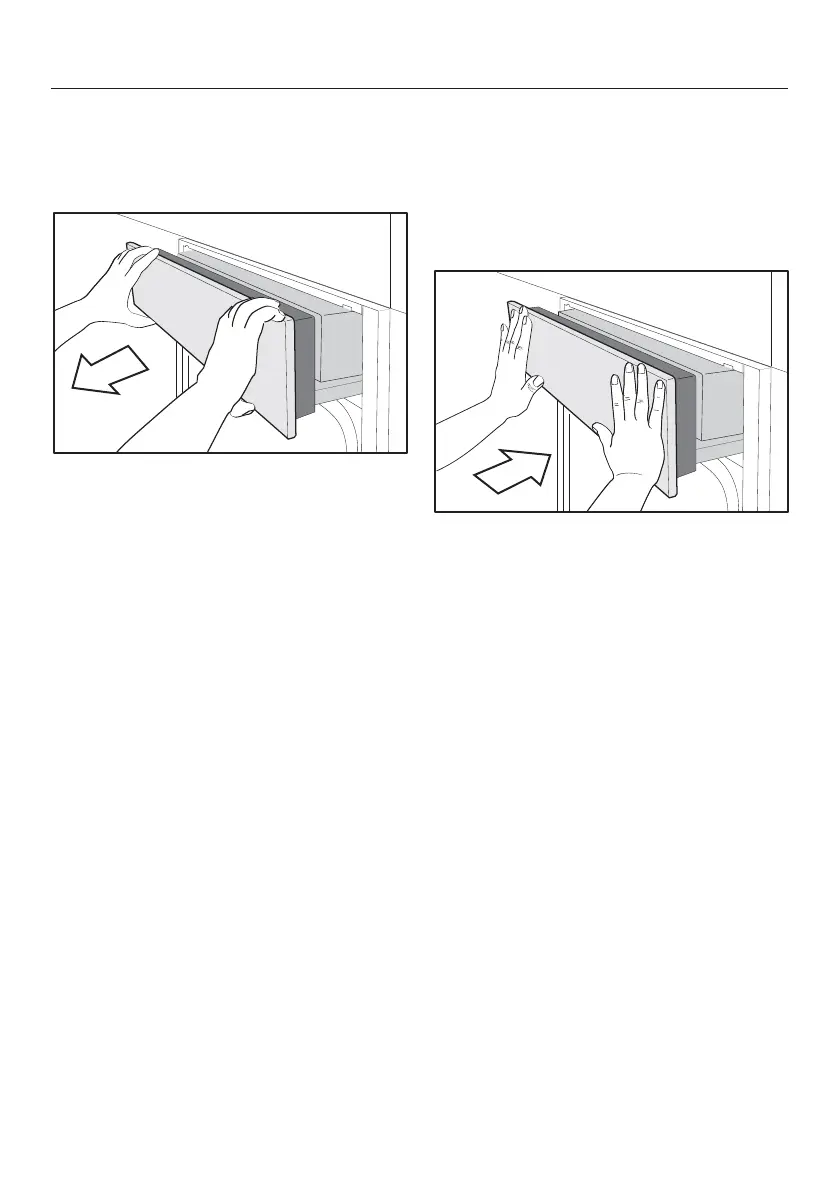
Opening the control panel
manually
Carefully open the appliance door.
Hold the control panel at the top and
bottom.
Pull out the panel towards you.
Carefully push it upwards.
Closing the control panel
manually
Hold the control panel at the top and
bottom.
Carefully push it downwards.
Push the panel right in.


 To Next Page
 Loading...