Switching the oven on and off
automatically
To use the automatic switch-on and
switch-off functions on the oven, both
the cooking duration and the end time
must be entered.
For example:
The time now is 10:45; you want a dish
with a cooking duration of 90 minutes to
be ready at 13:30.
^
Place the food in the oven.
^
Select your cooking function and set
a temperature.
The oven light will come on and the
oven will heat up.
Now enter the cooking duration:
lmg)
V
^
Press the Q button repeatedly until
triangle V is underneath the g
(cooking duration) symbol in the
display.
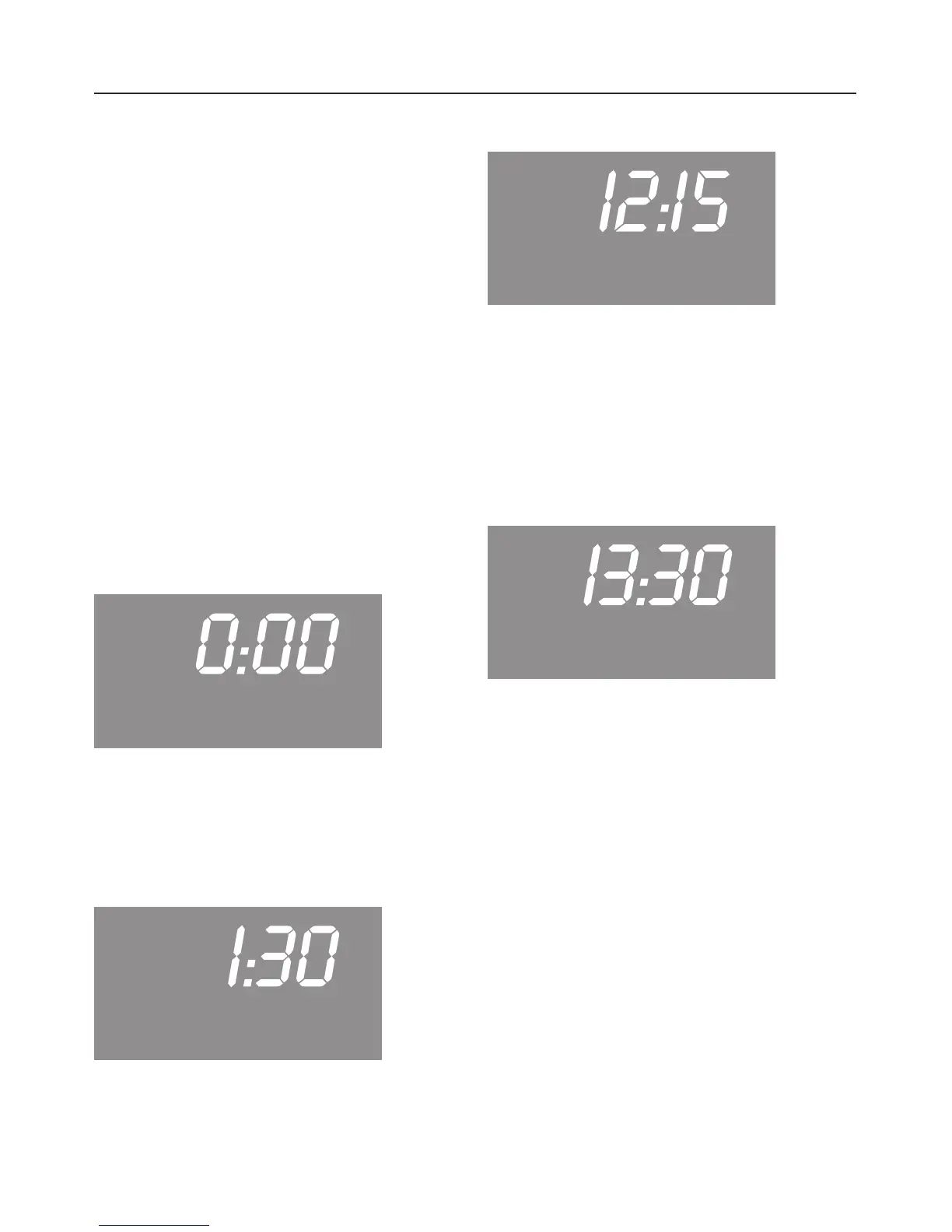
"0:00" appears in the display.
lmg)
V
^
Whilst triangle V is flashing, enter
the required duration in hours and
minutes (1:30) using the P button.
Then set the end time:
lmg)
V
^
Press the Q button repeatedly until
triangle V is underneath the )
(end time) symbol in the display.
The time of day plus the cooking
duration entered appear in the display
(10:45 + 1:30 = 12:15).
lmg)
V
^ Use the P button to change the end
time from 12:15 to 13:30.
The oven light and heating will switch
off as soon as triangle V goes out.
The end time will now show in the
display as long as the triangle is not
moved to under another symbol.
As soon as the start time (13:30 - 1:30
= 12:00) is reached, the oven light will
switch on, and the oven will heat up.
Clock/Timer
27


 To Next Page
 Loading...