EasyManua.ls Logo

Mitsubishi Electric WD-52525 - User Manual

Mitsubishi Electric WD-52525
108 pages
Print Icon
To Next Page IconTo Next Page
Loading...
TV Information:
Use this space to record the model and serial numbers of
your television. This information is on the back of your TV.
Model number
Serial number
visit our website at
www.mitsubishi-tv.com
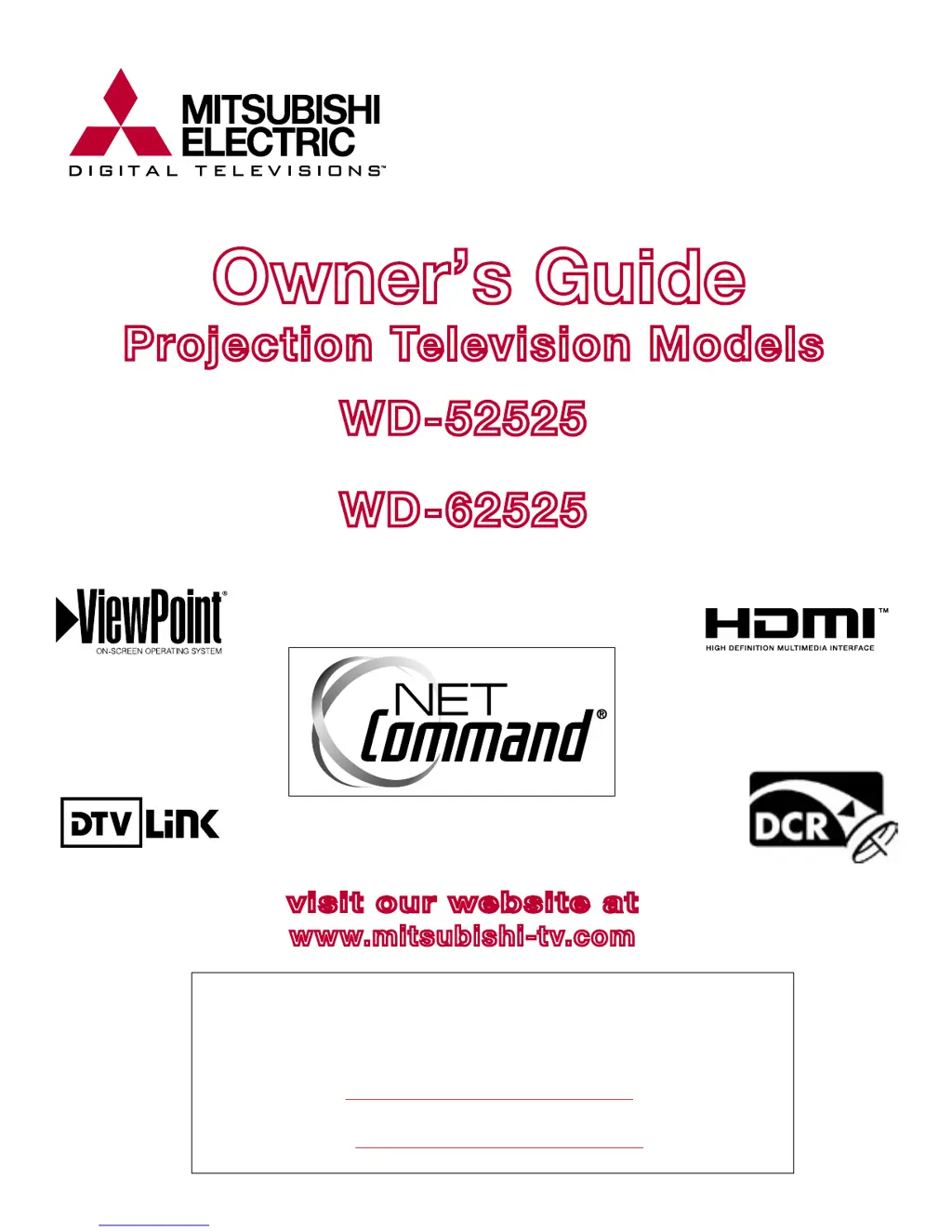
Owners Guide
Projection Television Models
WD-52525
WD-62525
TM
TM

Table of Contents

Other manuals for Mitsubishi Electric WD-52525

Questions and Answers

Summary

Television Overview

Special Features

Highlights of the TV's advanced capabilities, including DLP display and NetCommand.

Front Control Panel Overview

Details the buttons on the front control panel and their functions, including indicator lights.

Front Panel Inputs and Media Card Slots

Describes the connection ports and media card slots available on the front of the TV.

Back Panel Connections

Details all the input and output connectors located on the back panel of the TV.

Connecting External Devices

NetCommand Setup and Device Connection

Step-by-step guide to setting up NetCommand and connecting external devices like VCRs, DVD players, etc.

CableCARD Technology

Explanation of CableCARD technology for accessing digital cable services without a set-top box.

Connecting VCR Video and Audio

Instructions for connecting a VCR's video and audio outputs to the TV or wall outlet cable.

Connecting VCR Video and Audio to a Cable Box

Steps for connecting a VCR's video and audio to a cable box and then to the TV.

Connecting A;V Receiver or Stereo System

Guide for connecting A/V receivers or stereo systems to the TV for audio and video.

Connecting Satellite Receiver or Other Device with S-Video

Instructions for connecting satellite receivers or other devices using S-Video cables.

Connecting DVD Player with Component Video

Steps for connecting a DVD player using component video cables for high-quality output.

Connecting Computer with PC Monitor Output

Guide for connecting a computer to the TV using the PC input for display.

Connecting DTV Receiver with Component Video

Instructions for connecting a DTV receiver using component video (YPrPb) signals.

Connecting DTV Receiver with RGB, HV Video

Steps for connecting a DTV receiver using RGB and HV video signals.

NetCommand Setup and Editing

Initial NetCommand Setup Process

Guides through the initial setup process, including language selection and device configuration.

Add A;V Receiver to NetCommand

Steps to add an A/V receiver to NetCommand, including selecting manufacturer and learning signals.

A;V Receiver Input and Function Learning

Details on learning A/V receiver inputs and specific functions for NetCommand control.

Add New Devices to NetCommand

Guide on adding new devices to NetCommand, selecting device type, manufacturer, and connections.

Device Selection and Learning for New Devices

Steps for selecting device type and learning remote control signals for new devices.

Change or Delete NetCommand Devices

Instructions on how to change existing device settings or delete devices from the NetCommand configuration.

IEEE 1394 Devices and Controlled Recordings

NetCommand Control of Digital Devices via Learn Feature

Using the 'Learn' feature to control IEEE 1394 devices lacking compatible digital control signals.

Device Selection Menu Usage

How to use the Device Selection Menu to select devices for viewing, audio, and power control.

NetCommand Controlled Recordings

Record To Setup and Recording Now

Instructions for setting up and initiating recordings using NetCommand, either immediately or scheduled.

Time-Delayed Recording Setup

Guide on scheduling recordings for a future time, including setting duration and channels.

NetCommand Controlled Peer-to-Peer Connections

PC Viewing

Connecting and Configuring PC Input

Guide on connecting a PC to the TV and adjusting screen resolution and settings for optimal display.

MediaCommand and Media Card Playback

TV Menu Screen Operations

NetCommand Menu Functions

Overview of NetCommand menu options like Edit, Transport, and Icon Order for managing devices.

V-Chip Lock Menu: Passcode and Time Settings

Setting up and managing V-Chip lock, including entering a passcode and defining active time periods.

Operation of Picture-In-Picture (PIP) and Picture-Outside-Picture (POP)

How to activate, change, and manage PIP/POP displays, including channel selection and image movement.

Special Features

NetCommand Device Control (Analog)

Table showing remote control button functions for controlling analog devices like A/V receivers, VCRs, DVDs, and Cable Boxes.

NetCommand Device Control (IEEE 1394)

Table detailing remote control functions for controlling IEEE 1394 devices like A/V Discs, DVCRs, and Amplifiers.

Appendix C: Remote Control Programming Codes

Appendix F: Cleaning and Service

Service and Repair Information

What to do if a problem cannot be resolved, including consulting dealers and authorized service centers.

Appendix H: Lamp Cartridge Replacement

Lamp Replacement Procedure and Warnings

Information on replacing the lamp cartridge, including safety precautions and ordering part numbers.

Replacing the Lamp Cartridge Step-by-Step

Detailed instructions for removing the old lamp cartridge and installing a new one, including tool requirements.

Troubleshooting

Using the System Reset Button

Procedure for using the system reset button to resolve unresponsive TV controls or power issues.

Mitsubishi DLP Projection Television Limited Warranty

Warranty Coverage for Parts and Software

Details the warranty periods and coverage for television parts, lenticular screen, Diamond Shield, and embedded software.

Warranty Coverage for Labor and Service

Information on labor coverage for repairs, consumer replaceable parts, and obtaining warranty service.

Warranty Limitations and Exclusions

Lists items not covered by the warranty, including pixel outages, cosmetic damage, and unauthorized service.

Mitsubishi Electric WD-52525 Specifications

General IconGeneral
Screen Size52 inches
Resolution1280 x 720
Display TechnologyDLP
Aspect Ratio16:9
Resolution TypeHD
Number of Speakers2
Speakers2 x 10W
ConnectivityComponent, Composite, S-Video
InputsHDMI, Component, Composite, S-Video

Related product manuals