Getting Started
1-31-2
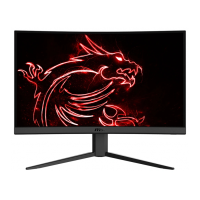
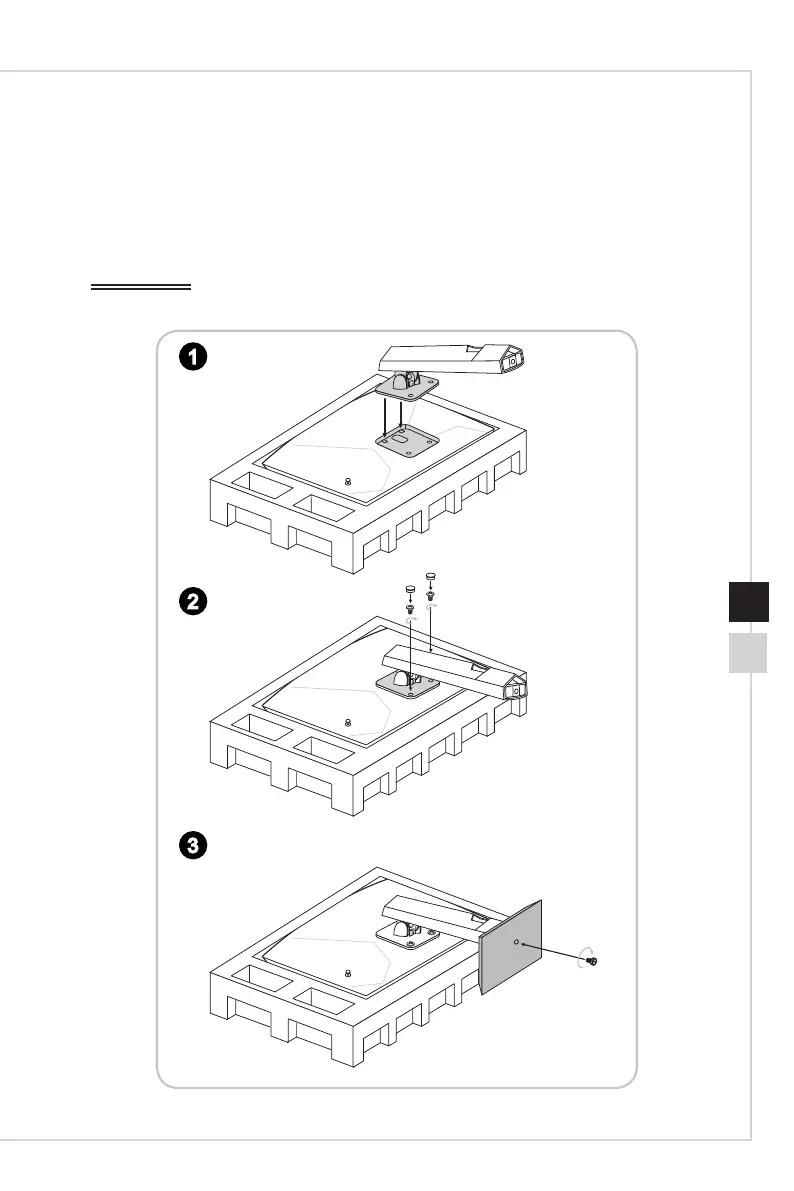
Installing the Monitor Stand
1� Fit the stand to the monitor�
2� Tighten the stand with the screws� Place the screw rubber covers on the screws�
3� Connect the base to the stand and tighten the base screw to secure the base�
IMPORTANT
Place the monitor on a soft, protected surface to avoid scratching the display panel�
3
2
1


 To Next Page
 Loading...