15
A → B → A → B ⋅⋅⋅⋅ → A →
B
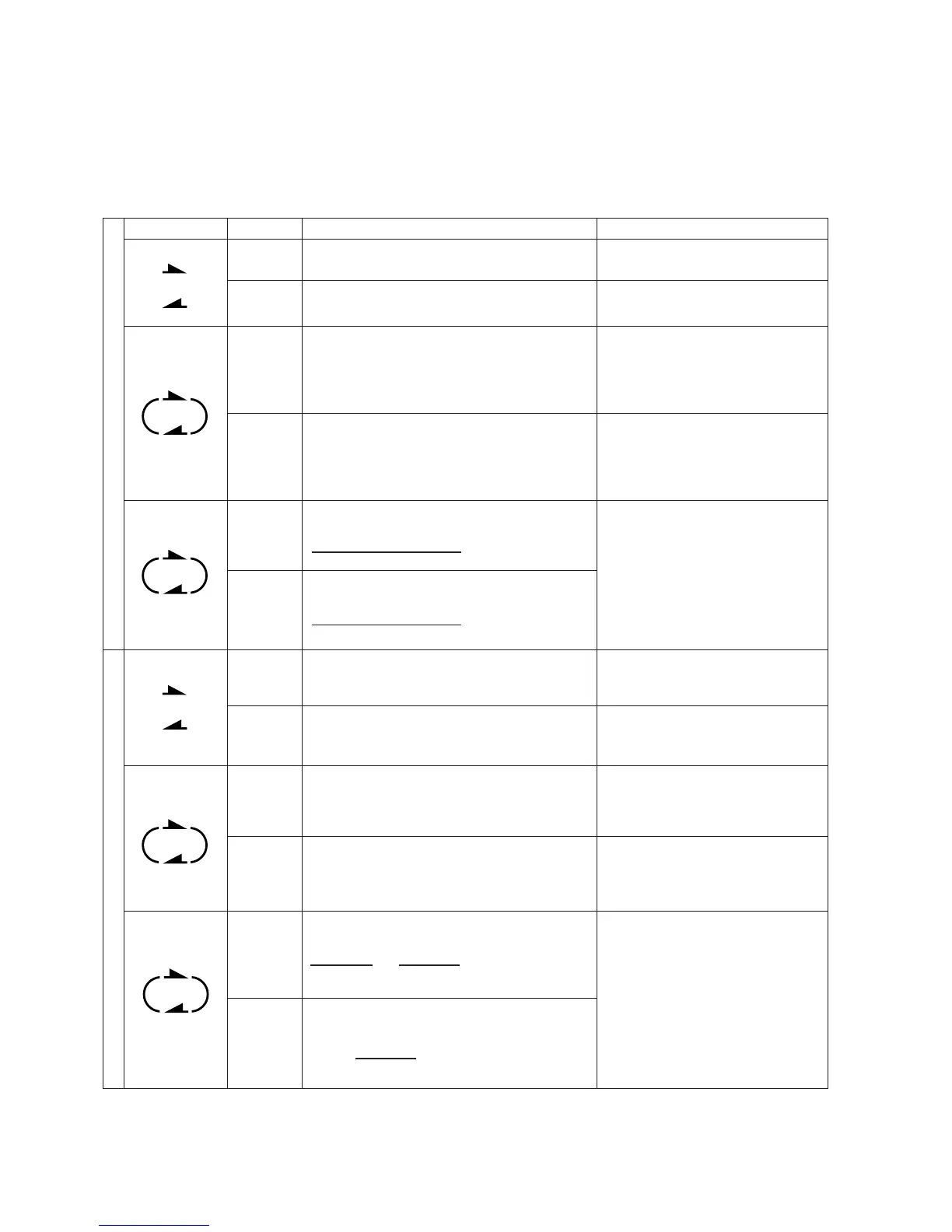
Reverse Mode Function
• Recheck the tape travel direction settings (shown by the Deck A and Deck B direction indicators) before beginning playback or
recording.
• The following explanation assumes that cassette side A is facing outward.
• There is a silent gap about ten seconds long when the direction of tape travel switches from forward to reverse or from reverse to
forward when the end of a tape side is reached.
Press the s button. Playback will begin and
end on side A (front).
Press the a button. Playback will begin and
end on side B (rear).
Press the s button. Playback will begin
from side A and continue to side B. When the
end of side B is reached, the playback begin
again from side A . This sequence will repeat
eight times.
Press the a button. Playback will begin
from side B and continue to side A. When the
end of side A is reached, the playback begin
again from side B. This sequence will repeat
eight times.
If there are tapes in both Deck A and Deck B,
playback will begin from side A of the tape in
Deck A. When the end of side B is reached,
Deck B will begin playback. This sequence
will repeat four times.
Press the t button then the s button.
Recording will begin from and end on side A
(front).
Press the t button then the a button.
Recording will begin and end on side B
(rear).
Press the t button then the s button.
Recording will begin from side A and
continue to side B. When the end of side B is
reached, recording will stop automatically.
If you begin recording in the reverse
direction, recording will begin from side B of
the tape. When the end of side B is reached,
recording will stop automatically.
Continuous recording
Before performing continuous recording, set
the direction of the tape in Deck B.
Press the Deck A t button then the s (or
a ) button. Recording will begin from side
A (B) of the tape in Deck A. As soon as the
recording on side B of the tape in Deck A is
complete, recording on Deck B will begin.
Reverse mode
Direction Playback / Recording sequence Explanation
s
s
s
s
s
s
a
a
a
a
a
a
A
B
B → A → B → A ⋅⋅⋅⋅ → B →
A
B → A → B → A ⋅⋅⋅⋅ → B →
A
A
A → B
B
B
B → A → B
A → B → A → B ⋅⋅⋅⋅ → A →
B
Deck A Deck B Deck B
One cycle
One cycle
Deck A Deck B Deck A Deck B Deck A
A → B → A → B
Deck B
Deck A
Deck BDeck A
Deck A
Deck A
Deck A and Deck B
(TA-RW544 only)
Deck A or Deck B
Deck A and Deck B
PlaybackRecording
* You can simultaneously record on tapes in Deck A and Deck B except during continuous recording.


 To Next Page
 Loading...