13
For Popcorn:
By using the More/Less Pad, the programs can be adjusted to
cook popcorn for a longer or shorter time if desired.
1 tap = More (Adds Approx. 3% time)
2 taps = More (Adds Approx. 6% time)
3 taps = Less (Subtracts Approx. 3% time)
4 taps = Less (Subtracts Approx. 6% time)
5 taps = Original setting
Press More/Less pad before pressing Start.
For Sensor Reheat/Cook:
Preferences for food doneness vary with each individual. After
having used the Sensor Reheat/Cook feature a few times,
you may decide you would prefer your food cooked to a differ-
ent doneness.
1 tap = More (Adds Approx. 10% time)
2 taps = Less (Subtracts Approx. 10% time)
3 taps = Original setting
Press More/Less pad before pressing Start.
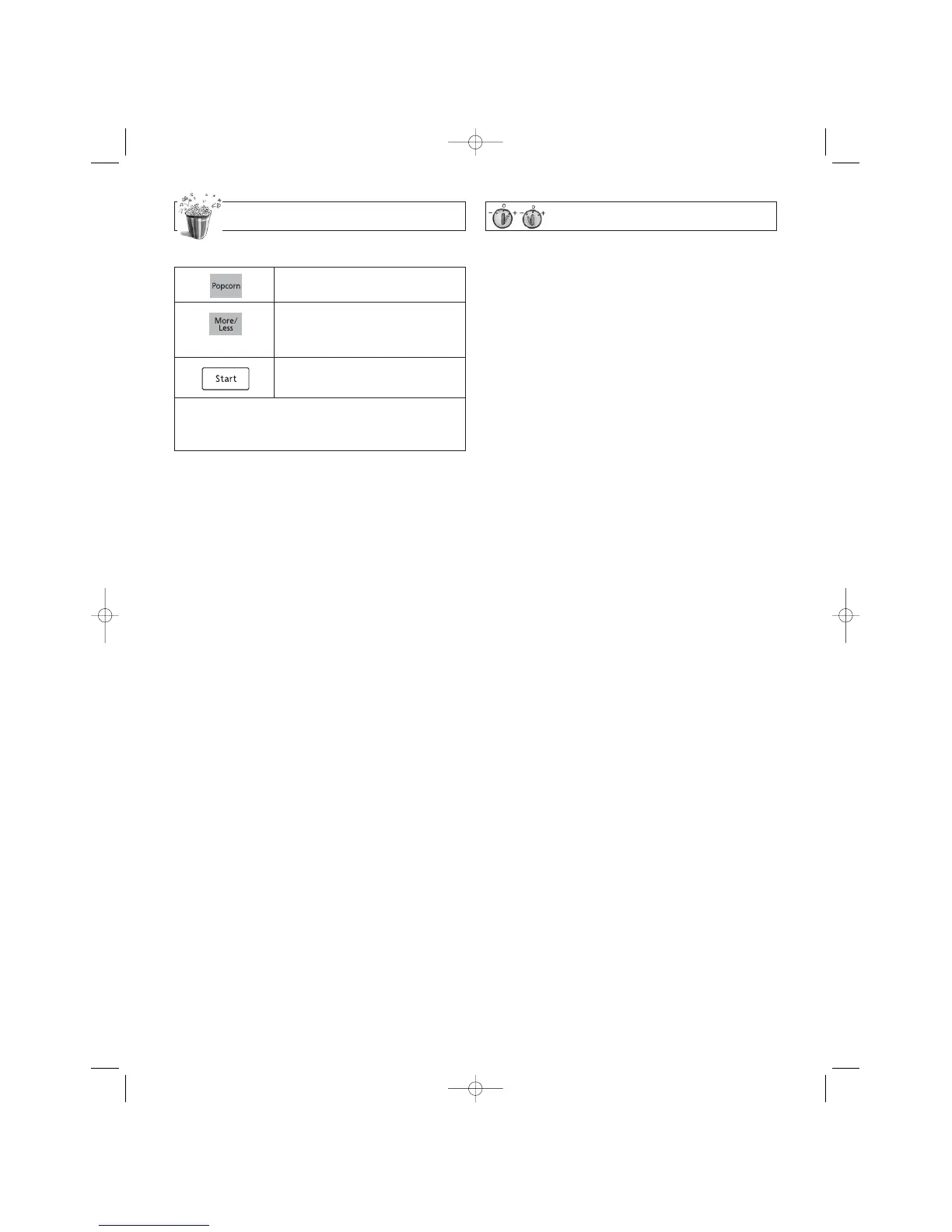
More/Less Feature
Popcorn Feature
1.
• Press Popcorn.
2.
• (see More/Less Feature.)
3.
• Press Start .
➤ Cooking starts.
NOTES ON POPCORN FEATURE:
1. Pop one bag at a time.
2. Place bag in oven according to manufacturer's directions.
3. Start with popcorn at room temperature.
4. Allow popped corn to sit unopened for a few minutes.
5. Open bag carefully to prevent burns, because steam will
escape.
6. Do not reheat unpopped kernels or reuse bag.
REMARKS:
When popping multiple bags one right after the other, the
cooking times may vary slightly. This does not affect the pop-
corn results.
This sensor feature allows you to pop popcorn without setting
weight and time. The oven simplifies programming.
Optional
Cooking is complete when 5 beeps sound. (When steam is
detected by the Genius Sensor and 2 beeps sound, the
remaining cooking time will appear in the display window.)


 To Next Page
 Loading...