• Setup Menu
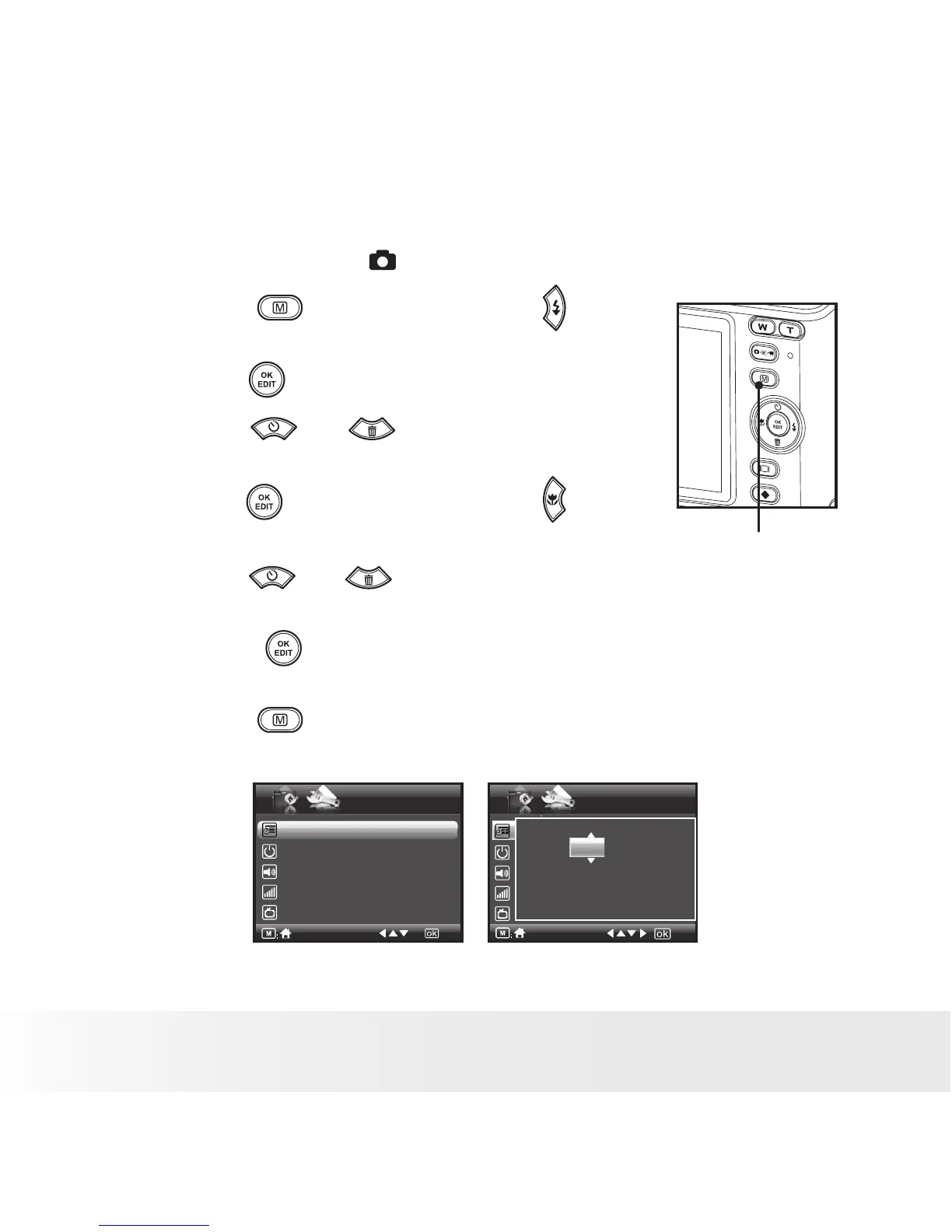
You can change the basic settings of the camera in Capture and Video
modes. Here we take the mode for an example.
1. Press the button and press the
button to enter setup menu.
Menu Button
2. Press the button.
3. Press the
and buttons to scroll
up and down through menu bars.
4. Press the button to enter. Press the
button to back to menu bars.
5. Press the and buttons to select
options.
6. Press the button to confirm your
choice.
7. Press the button to exit the setup
menu.
Date /Time
Auto Power Off 1 Minute
Beep Sound On
Volume
Video System LCD
SETUP
1/3
.
Date /Time
2007.01.01
00:00:00
YY.MM.DD


 To Next Page
 Loading...









