EN - 28
Tablet displays network or service error message
• When you are located in places with poor signals, your
tablet may lose its Wi-Fi connection. Try moving closer to
the Wi-Fi router.
Touch screen response is slow or incorrect
If the tablet’s touch screen response is incorrect, please try
the following:
• Remove any protective film of the touch screen. The
protective film may prevent the device recognition input.
• Make sure that your fingers dry and clean before you tap
the touch screen.
• Restart the tablet to clear any temporary software bugs.
Tablet is frozen or a serious error appears
•
If the tablet is frozen or suspended, you may need to close the
app program or reset the tablet.
• If the tablet is frozen or slow to respond, press and hold the
power button for 8 seconds to reset the tablet.
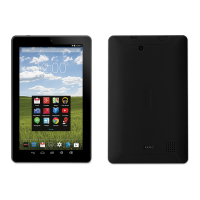
• If that doesn't work, insert a paper clip into the RESET hole
on the back of the tablet.
Tablet gets warm
• When using for a long time, the tablet may be warm. This is
normal and will not affect the life or performance of the unit.
Trouble Shooting
Additional Information


 To Next Page
 Loading...