
 To Next Page
R
Richard MooreSep 23, 2025
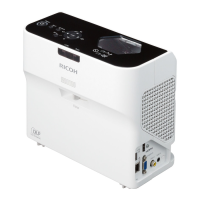
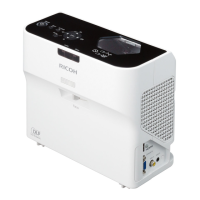
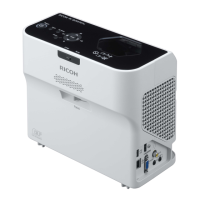
How to enable wireless LAN on Ricoh PJ WX4130Ni?
- WWilliam CarterSep 23, 2025
To enable wireless LAN on a Ricoh Projector: * Check the settings of [Wireless LAN Settings] in [Network Settings] under [Network/USB Settings]. * Make sure there are no obstructions between the computer and the projector. * Ensure the computer's operating system is compatible with Network Utility. Log in with administrator privileges to configure wireless LAN settings using Simple 1:1 Connection or a USB memory device. * Make sure that the projector is not in standby.
 General