MIDI Sets
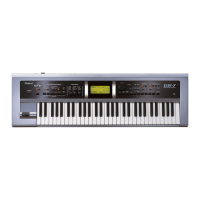
G-70 Music Workstation
r
221
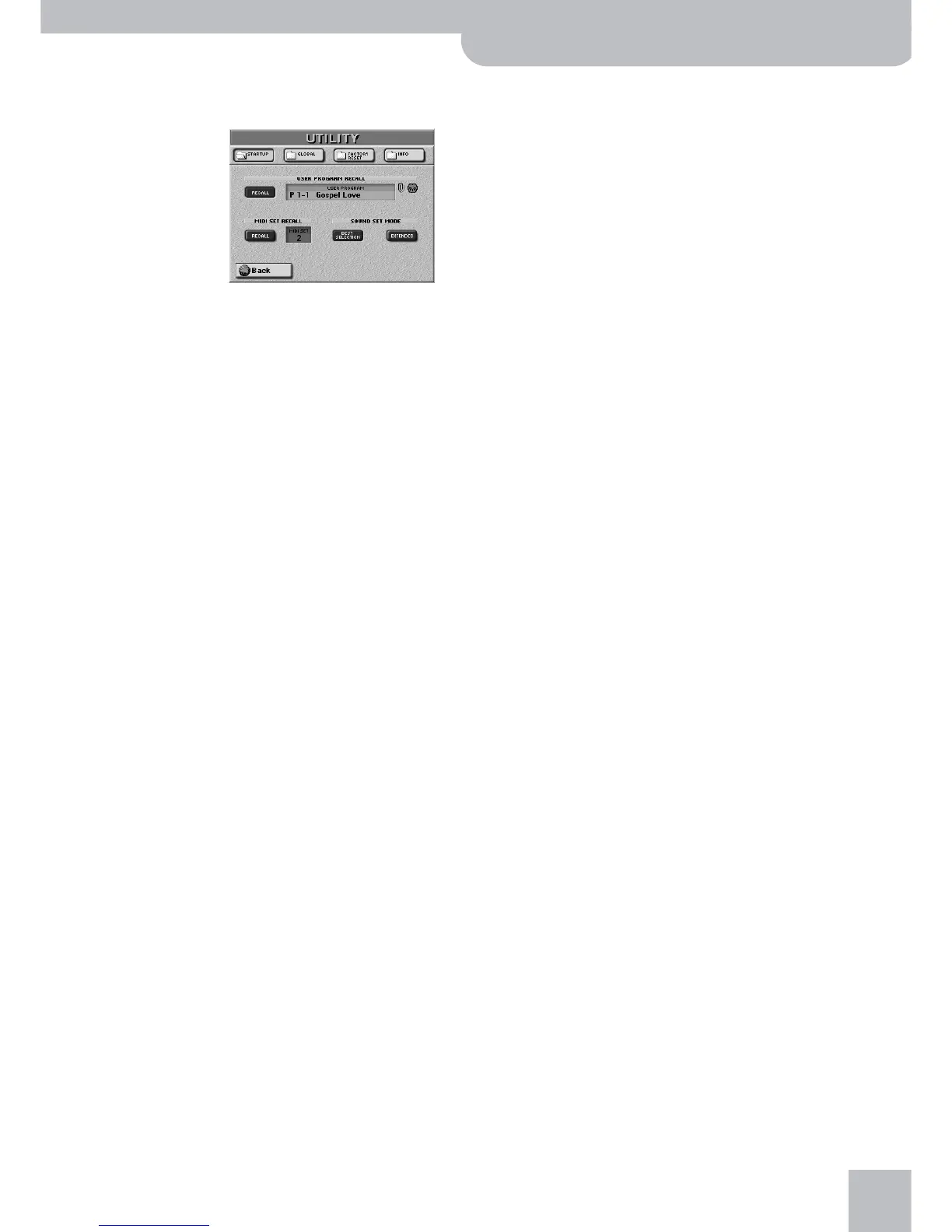
(2) Press the [UTILITY] field, followed by the [STARTUP]
field.
(3) Press the [MIDI≈SET] field and use the [DATA÷ENTRY]
dial or the [DEC]/[INC] buttons to select the MIDI
Set to be recalled when the G-70 is switched on.
(4) Switch on the [RECALL] field.
Switch off this button icon if no MIDI Set should be
recalled when the G-70 is switched on.
Note: If the G-70 is also set to recall a User Program that con-
tains a MIDI link, that selection is ignored if the MIDI SET
[RECALL] button is on.
(5) Press the [EXIT] button to return to the main page.


 To Next Page
 Loading...