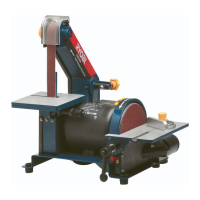
Changing the sanding disc
1. Loosen and remove the 2 handles
securing the sanding disc table.
2. Remove the sanding disc table.
3. Loosen and remove the 4 screws
securing the disc cover.
4. Remove the disc cover.
5. Peel off the sanding disc from the
disc platen.
6. Fit the new sanding disc over the
disc platen.
7. Replace the disc cover.
8. Replace the sanding disc table and
secure with the 2 handles.
Changing the sanding belt
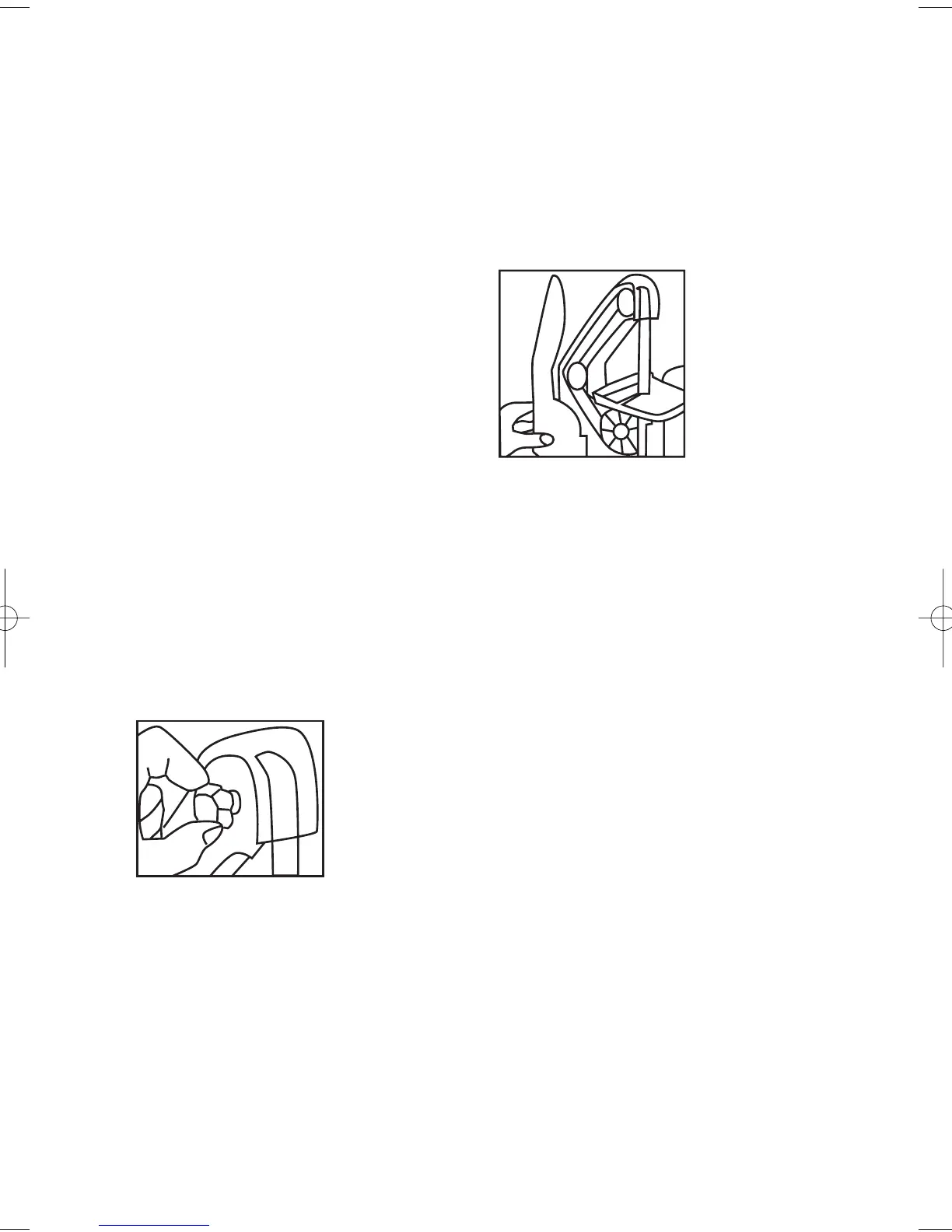
2. Remove the guard.
3. Loosen and remove the belt
cover knob at the top of the
unit. (Fig. 7)
5.
Remove the belt cover.
6.
Using the 3mm hex key
loosen but do not remove
the hex screw securing the
belt guard.
7.
Lift off the belt guard. (Fig. 8)
8. Push the belt tracking
adjustment knob towards
the front of the unit to reduce
the belt tension and whilst
holding it in this position
remove the belt from the 3
wheels.
9. Push the belt tracking adjustment
knob towards the front of the unit
to reduce the belt tension and whilst
holding it in this fit the new belt over
the 3 wheels.
10. Ensure the 2 locating lugs are positioned
into the base of the unit when refitting
the belt cover.
11.
Replace the belt cover and replace
the 2 Phillips head screws and belt
cover knob to secure the cover in
position.
1. Loosen and remove both screws securing the
belt cover to the unit. One screw is located
under the sanding table, the other on the
angled section of the belt cover.
Fig. 7
Fig. 8
EMBS200 MANUAL 2 5/5/05 2:57 PM Page 11


 To Next Page
 Loading...