Shooting options
43
Changing the camera’s focus
Adjusting the focus area
You can get clearer photos by selecting an appropriate focus
area according to your subject’s location in the scene.
1
In Shooting mode, press [ ].
2
Select Shooting → Focus Area → an option.
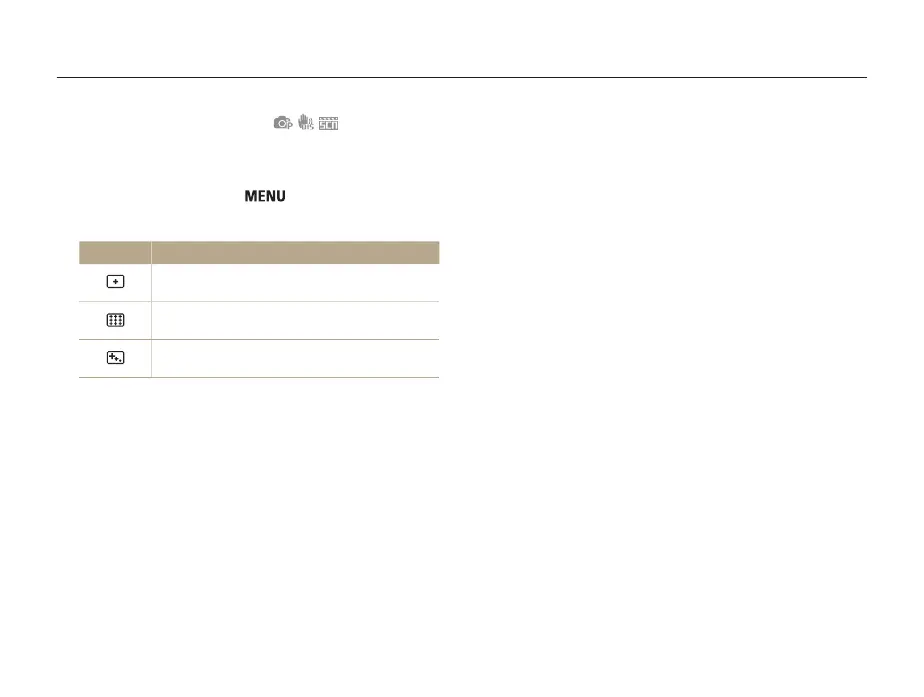
Option Description
Center AF: Focus on the center. Suitable when
subjects are located in the center.
Multi AF: Focus on one or more of 9 possible
areas.
Tracking AF: Focus on and track the subject.
(p.42)
The options may differ depending on the shooting mode.


 To Next Page
 Loading...












