English 42
m: Available n: Not available
*
: Disabled during recording
3 Press the SET button.
h This completes the scene select
setting.
h The display returns to the Shooting
Screen.
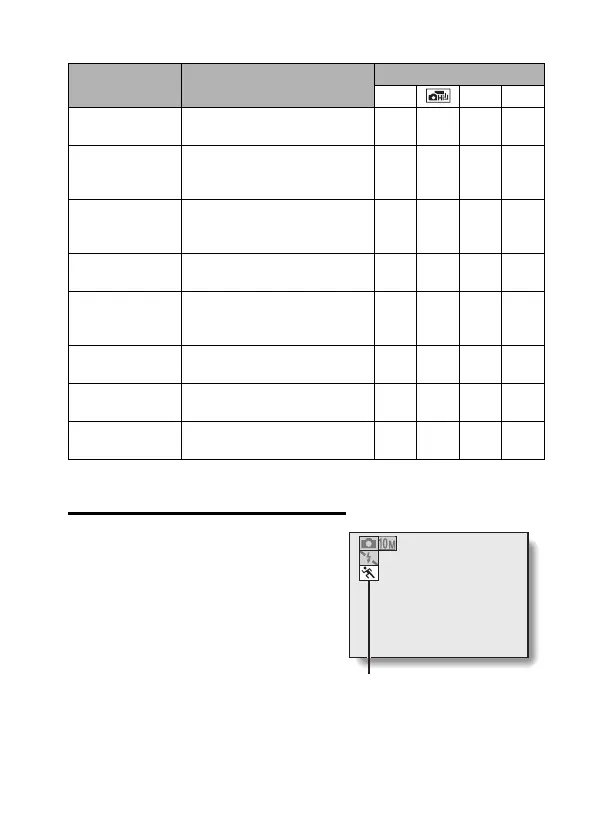
h The scene function setting is shown
on the monitor.
Scene function Features
Recording mode setting
s O X
_
Lamp
Photograph in low-light
conditions.
mnnm
a
Still image with
audio
Shoot a still image and add a
voice memo.
mnnn
5
Best shot
Four successive still images
are captured as the exposure
changes.
mnnn
=
Panorama
Three images are captured
to create a panorama photo.
mnnn
r
Face chaser
The subject’s face is kept in
focus and the exposure adjusted
as the image is captured.
mm
*
m
*
m
*
8
Monochrome
Create black-and-white
photos.
mmmm
9
Sepia
Create sepia-tone photos. mmmm
@
Vivid
Accentuates the colors in the
image.
mmmm
6
Scene function setting
(X is not displayed)


 To Next Page
 Loading...