5
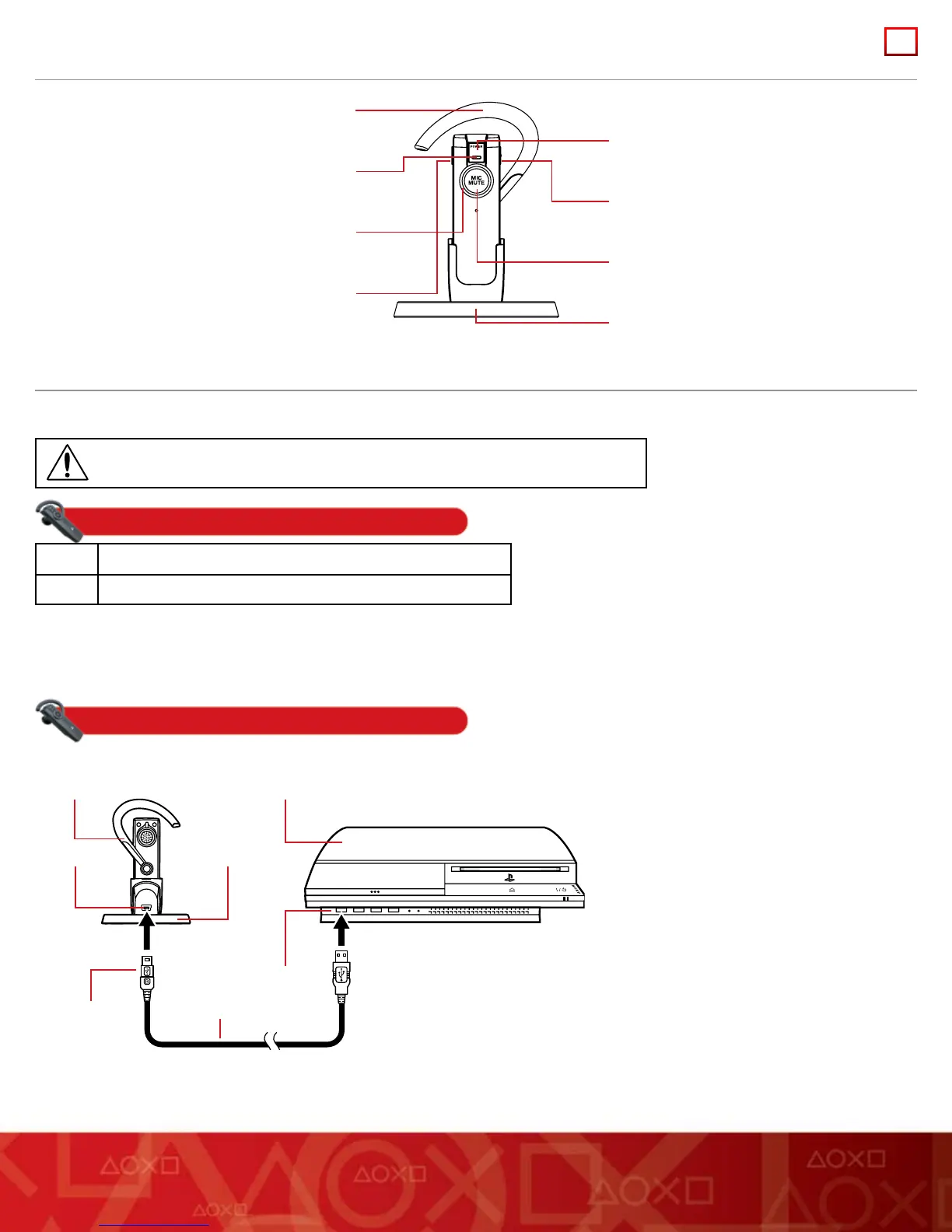
PART NAMES
CHARGING YOUR HEADSET
Your headset performs best when fully charged. You can charge the headset by using the charging cradle or directly from a USB cable.
Warning
Do not wear your headset while it is connected to the charging cradle or a USB cable.
Charging time
3 hours Approximate time for full charge using charging cradle or USB
1 hour Minimum charge before rst use
Hint: To check the headset’s battery level, you must use the automatic mode (not Bluetooth
®
discovery mode; see “Pairing your headset”)
when you pair the headset with your PS3™ system. Then you can see the level on the monitor connected to the PS3™ system as
described in “Battery level.”
Using the charging cradle
For convenience, you can connect the charging cradle to a USB device to allow easy access to the headset.
When power is rst applied to the headset, the mic muting indicator lights up solid red for two seconds and then ashes on and off every
three seconds until the headset is fully charged.
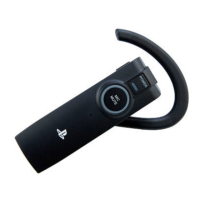
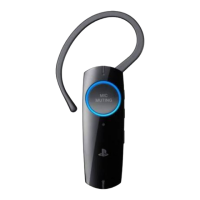
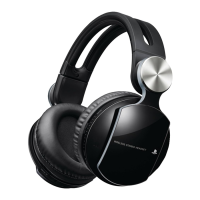
Power button
Volume - button
Mic muting button
Charging cradle
Ear clip
Power indicator
Mic muting indicator
Volume + button
Bluetooth® headset
USB connector
USB connector
USB cable
mini-B connector
PS3™ system
Charging cradle
1
2
3
4
1
Check that the device to be connected to the
charging cradle (the PS3™ system in this
example) is turned on.
2 Insert the USB connector of the supplied USB
cable into an available USB connector (port).
3 Insert the mini-B connector of the USB cable
into the USB connector on the charging cradle.
4 Place the headset into the charging cradle.


 To Next Page
 Loading...