file:///Users/johannalc40/Documents/guide%20to%20the%20nx5u.html[10/25/12 2:40:02 PM]
FX: max. 24 Mbps
FH: approx. 17 Mbps (average)
HQ: approx. 9 Mbps (average)
LP: approx. 5 Mbps (average)
• Image Quality
HD: High definition image quality
SD: Standard definition image quality
• Image size
FX: 1920x1080
FH: 1920x108
HQ: HD recording 1440x1080 SD recording:
720x480
LP: 1440x1080
• Frame Rate
either 24, 30, or 60
• Scanning system
i: interlace
p: progressive
pSCAN: records images of progressive scanning
system as interlace signal (60i)
HD 1080/60i FH
HD 1080/60i HQ
HD 1080/60i LP
HD 1080/30p FX
HD 1080/30p FH
HD 1080/24p FX
HD 1080/24p FH
SD 480/60i HQ
SD 480/30p SCAN HQ
SD 480/24p SCAN HQ
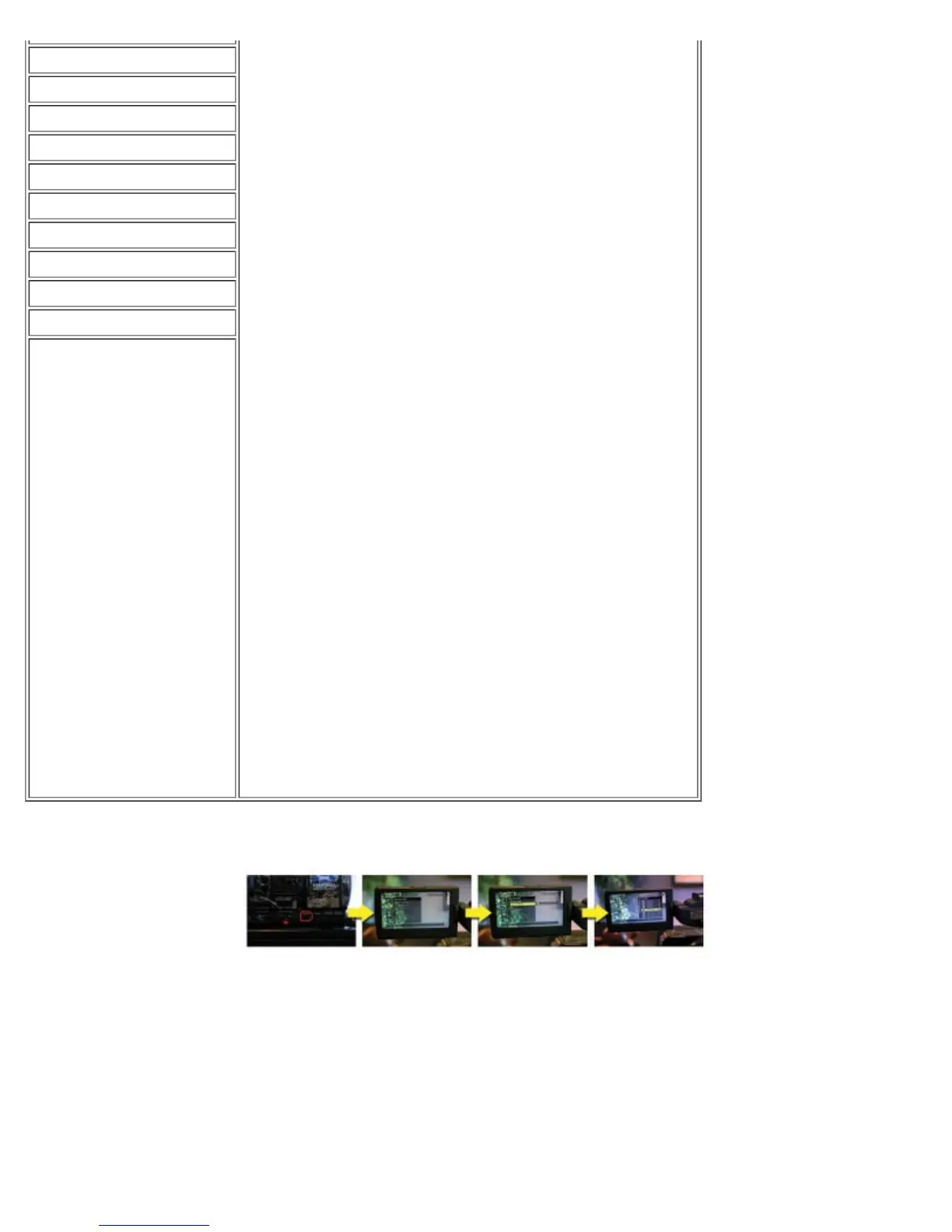
TO CHANGE THE SETTING
Press MENU -> select REC/OUT Set -> REC FORMAT with the SEL/PUSH EXEC dial.
Adjusting the Zoom
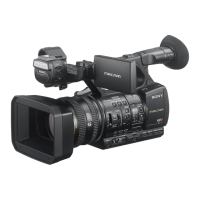
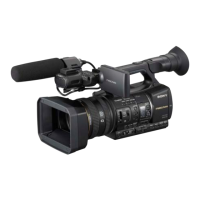
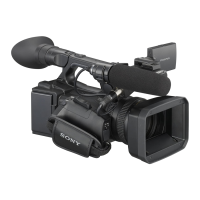
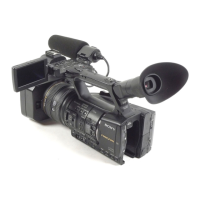
The Sony HXR-NX5U has three options for adjusting the zoom to make it easy no matter how you
are filming.
USING THE POWER ZOOM LEVER


 To Next Page
 Loading...