41
GB
Other Operations
SOUND FIELD
TUNER
NAME
SET UP
ENTER
MULTI CHANNEL DECODING
MASTER VOLUME
DISPLAY
INPUT MODE
VIDEO
MD/TAPE CD TUNER AUX
DVD/LD TV/SAT
5.1CH INPUT
CINEMA STUDIO
LEVEL
I
–
i
+
SET UP
BASS BOOST TONE
FM/AM
MUTING
TONE
BASS
BOOST
SHIFT
MEMORY
FM MODE
– TUNING +
NAME
ENTER
SUR
BASS/
TREBLE
SOUND FIELD
A. F. D.
ABC
2CH MODE
DIMMER
SPEAKERS
R ON r OFF
A
PHONES
B
? / 1
PRESET
– TUNING +
Other
Operations
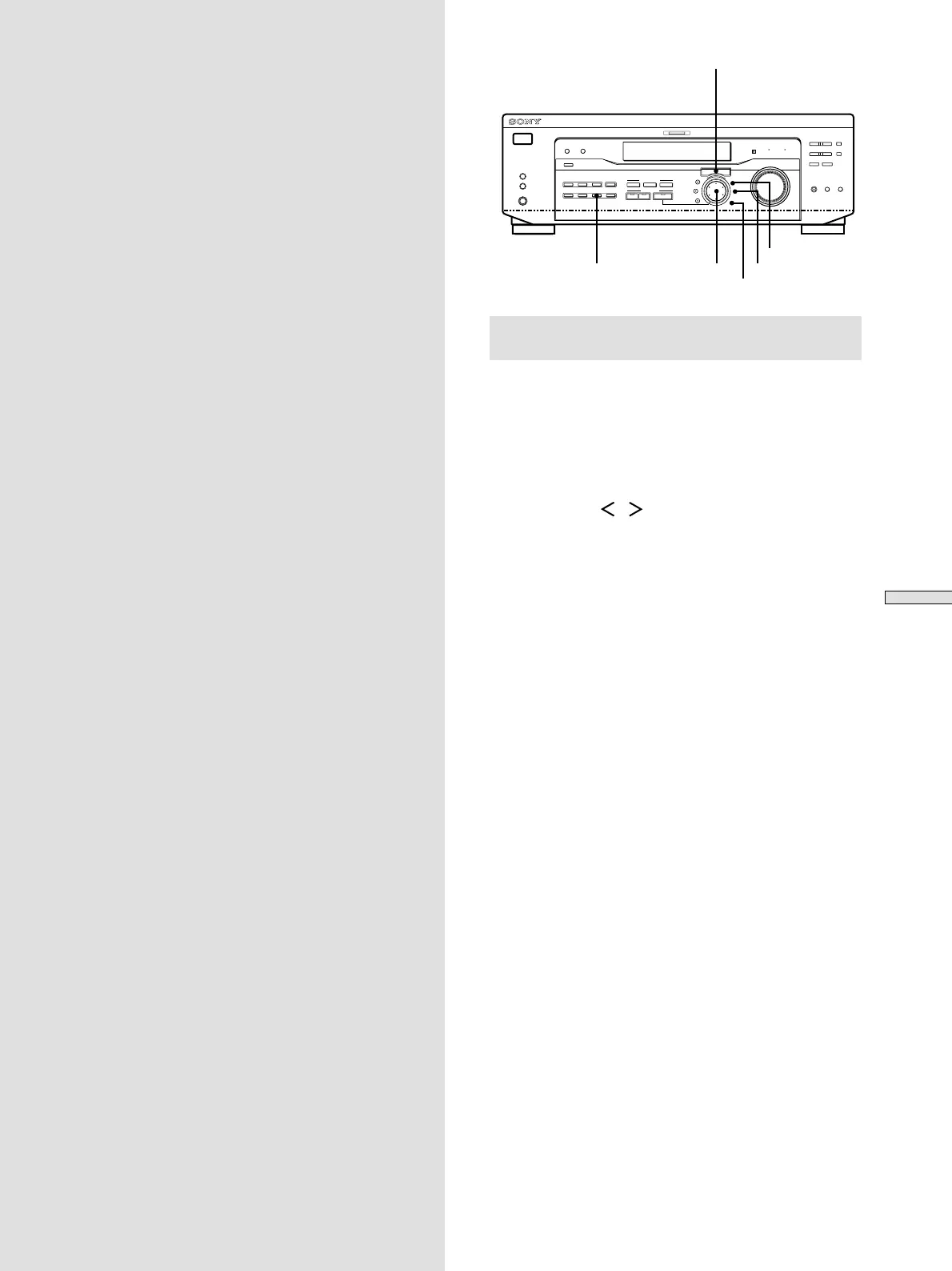
Brief descriptions of buttons that appear
in this chapter
NAME button: Press to name preset stations or program
sources.
Jog dial: Use to select characters when naming preset
stations or program sources.
Cursor buttons ( / ): Use to move the cursor when
naming preset stations or program sources.
TUNER button: Press to select the tuner.
SET UP button: Press to enter the set up mode.
ENTER button: Press to enter the completed name of the
preset station or program source.
Cursor buttons
Jog dial


 To Next Page
 Loading...