Chapter 2: Hardware Components
2-7
2-5 Jumpers
Explanation of Jumpers
To modify the operation of the add-on card, a jumper can be used to choose be-
tween optional settings. A jumper creates shorts between two pins to change the
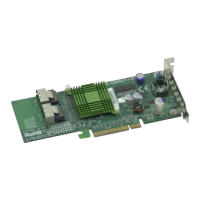
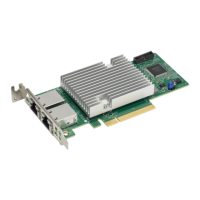
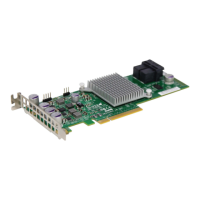
function of the connector. See the add-on card layouts on pages 2-1 through 2-3
for the jumper locations.
Note: On two-pin jumpers, "Closed" means the jumper is on and "Open"
means the jumper is o the pins.
3.3V Standby Power Enable
The 3.3V Standby Power Enable jumper is located at JP3 on the add-on card. Re-
fer to the layouts on pages 2-1 through 2-3 for the locations of the jumper. To turn
3.3V Standby on, connect pins 1-2 and 3-4 to enable the NC-SI/BMC management
shared LAN1 as well as the WoL from LAN1 during standby. Switch to pins 1-3 and
2-4 to disable those functions when you want to turn 3.3V Standby o. The default
setting is 3.3V Standby On.


 To Next Page
 Loading...