TI-73 / TI-83 Plus Logic Ladder Page 7
Navigating
Selecting Menu Items
To select an item from a menu, press
h
or
`
to highlight the
menu item, and then press
¯
to select it.
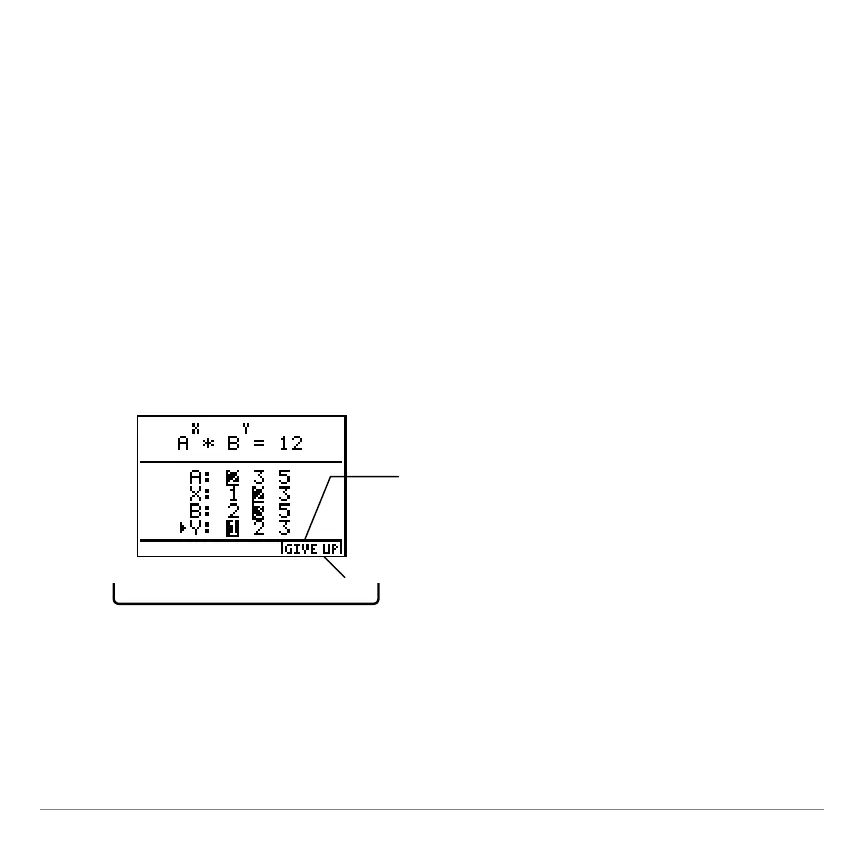
Using On-Screen Options
The main activity screens display a
GIVE UP
option in the bottom
right corner of the screen. To select this option, press the
graphing key directly below the option.
Press
V
to select
GIVE UP.



 To Next Page
 Loading...













