522
6-1. Using the air conditioning system and defogger
PRIUS_OM_OM47B89U_(U)
■ Using automatic mode
Fan speed is adjusted automatically according to the temperature setting and
the ambient conditions.
Therefore, the fan may stop for a while until warm or cool air is ready to flow
immediately after is pressed.
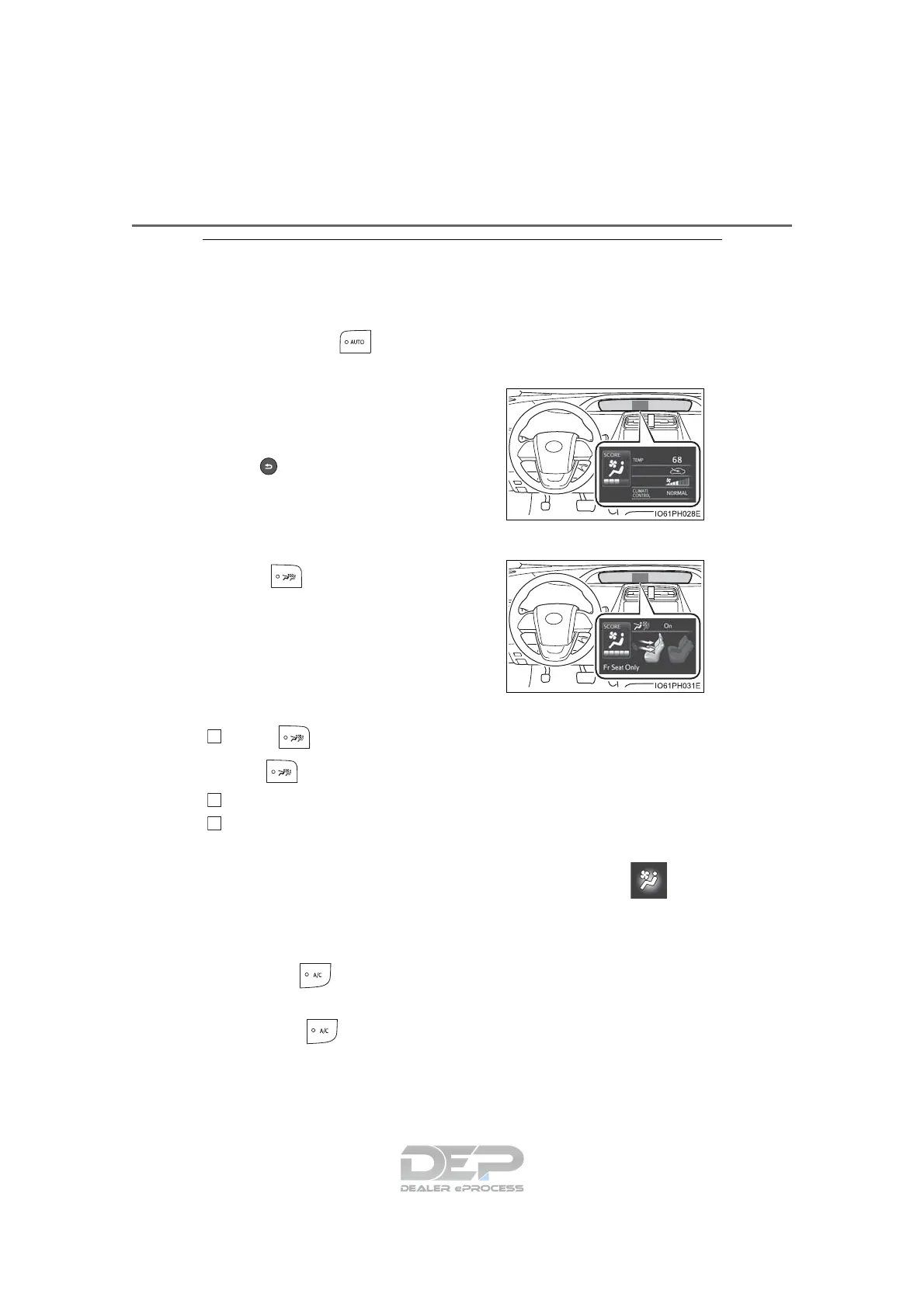
■ Setting confirmation screen
■ S-FLOW mode operation
■ Changing from manual S-FLOW mode to automatic S-FLOW mode
Press to disable S-FLOW mode.
The indicator will go off.
Turn the power switch off.
After 60 minutes have elapsed, change the power switch to ON mode.
■ Changing settings of the Automatic air conditioning system
The air conditioning system settings can be changed on the screen
(→P. 135) of the multi-information display.
■ Fogging up of the windows
● The windows will easily fog up when the humidity in the vehicle is high.
Pressing on will dehumidify the air from the outlets and defog the
windshield effectively.
● If you turn off, the windows may fog up more easily.
● The windows may fog up if the recirculated air mode is used.
When changing the settings of the air
conditioning system, the setting confirma-
tion screen is shown as a pop-up on the
multi-information display.
Press of the meter control switches to
go back to the previous screen.
When is pressed, the S-FLOW
mode status is displayed on the multi-
information display.
1
2
3


 To Next Page
 Loading...