4 Operating
18 Operating instructions VRT 350f 0020131979_00
4.3 Overview of setting and read-out options
4.3.1 Overview of operating modes
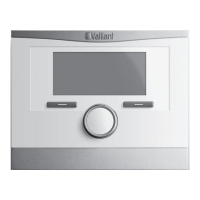
The activated operating mode is shown in the top left of the basic display.
The right-hand selector button can be used to navigate from the basic display directly to the settings under Operating
mode.
If you have activated an advanced function, the display shows the advanced function.
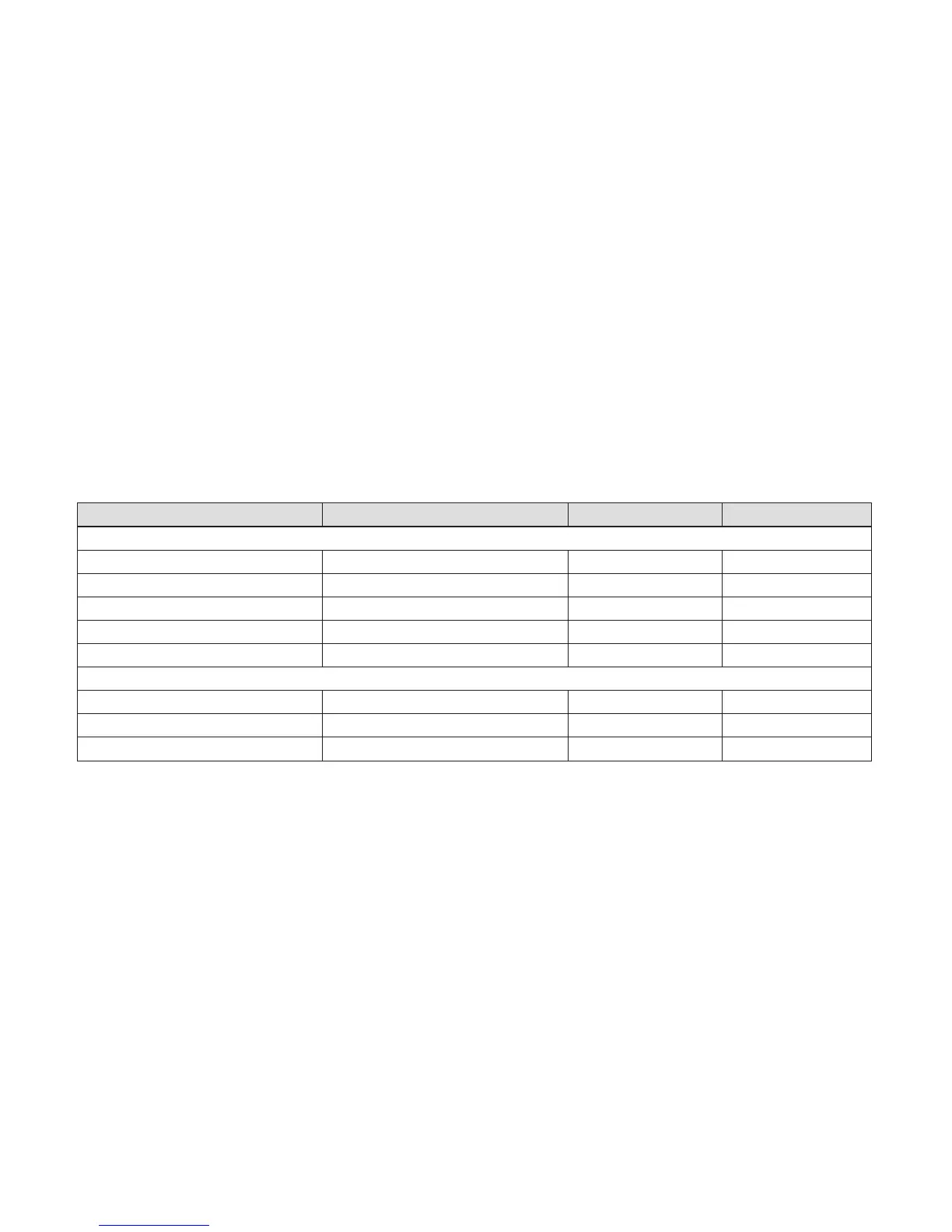
Mode Setting Factory reset Setting
Current mode
Auto Automatic mode Active
Summer Summer mode Not active
Day Comfort mode Not active
Night set-back Set-back mode Not active
System OFF (Frost protection) System OFF (Frost protection active) Not active
Advanced function
Cylinder boost Active, Not active Not active
Party function Active, Not active Not active
1 day away from home Active, Not active Not active



 To Next Page
 Loading...