5
Step
Wi-Fi onboarding
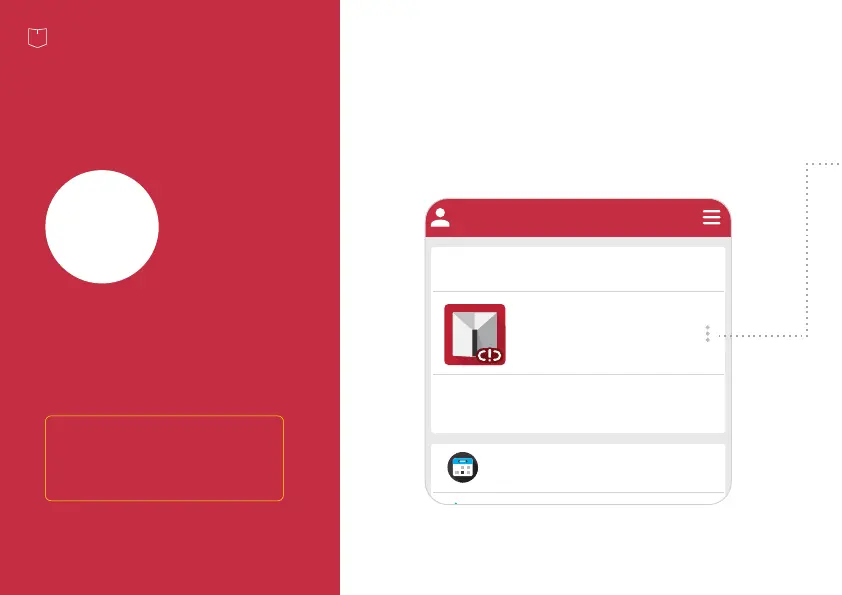
From the app, click the Yardian card
and go to "Wi-Fi onboarding".
YID: AA00754F
Offline
Yardian will use historical ETo and rainfall
weather data for watering schedules when it
is offline.
Yardian Device Setting
°C | °F
Watering Schedule
: Smart Watering Day
2021-01-04
: Manual Watering Day
: Skip Watering Day
1/61/4 1/5 1/8 1/91/7 1/10
My Yardian
The Yardian is now paired to
your Profile. You can now set up
Wi-Fi connection for your
Yardian.
22


 To Next Page
 Loading...