58
4 Using the Notebook PC
Securing Your Notebook PC (Optional)
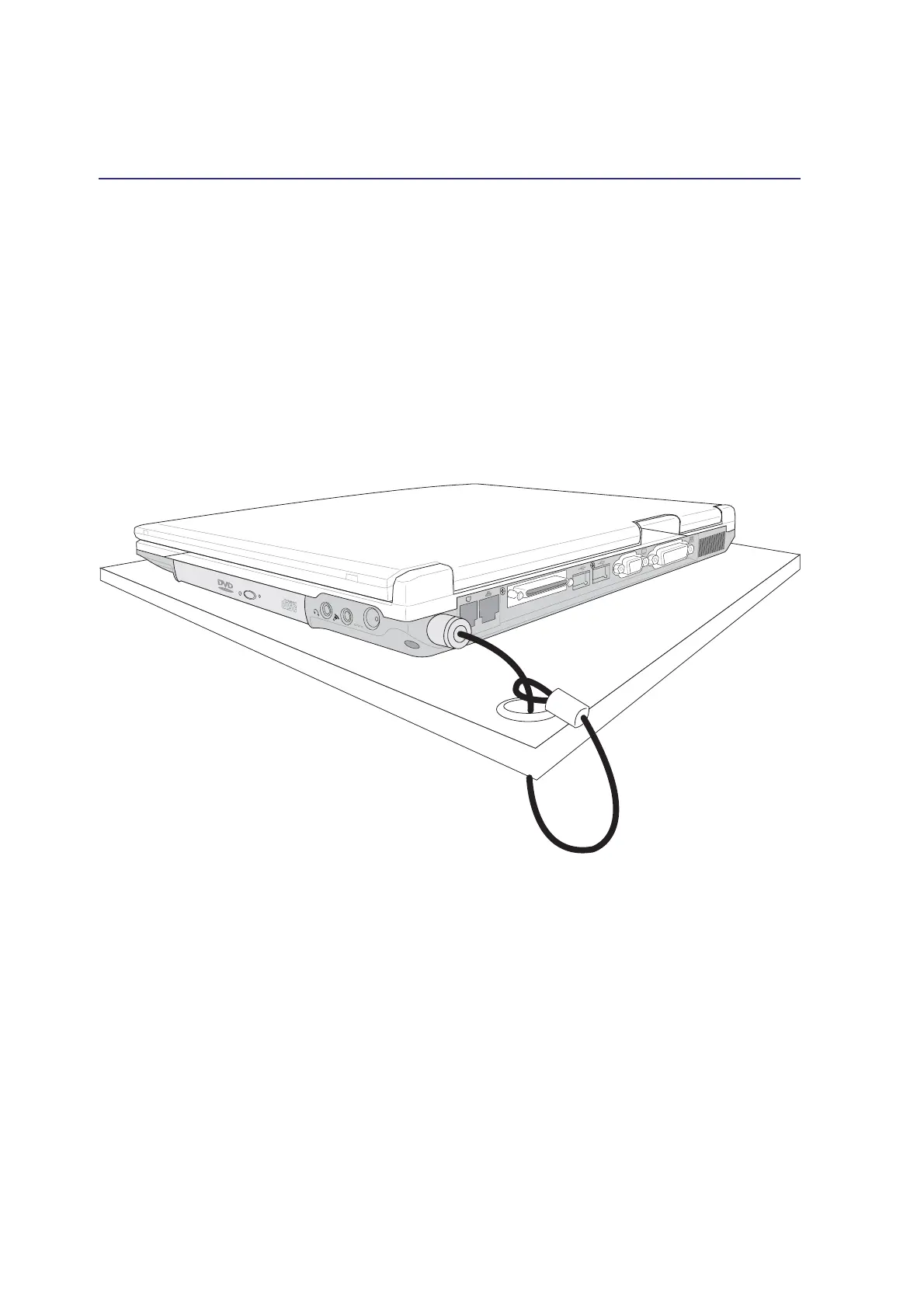
For system and hard disk drive security, see BIOS setup “Security”. A third party lock such as the ones
by Kensington
®
can be used to secure your Notebook PC physically to an unmovable object. The cable
wraps around an object and the “T” shaped end inserts into the Kensington
®
lock port as shown in this
illustration and a key or combination dial is used to secure the lock in place. For more information, you
can read advertisements in Notebook (sometimes referred to as “Mobile” or “Portable”) PC magazines.
DCIN
K


 To Next Page
 Loading...