Everything under control
70
> Distance from destination
> Estimated time of arrival if:
> A distance was manually entered into
the computer, refer to information
below.
> A destination was entered in the naviga-
tion system
*, refer to page 123.
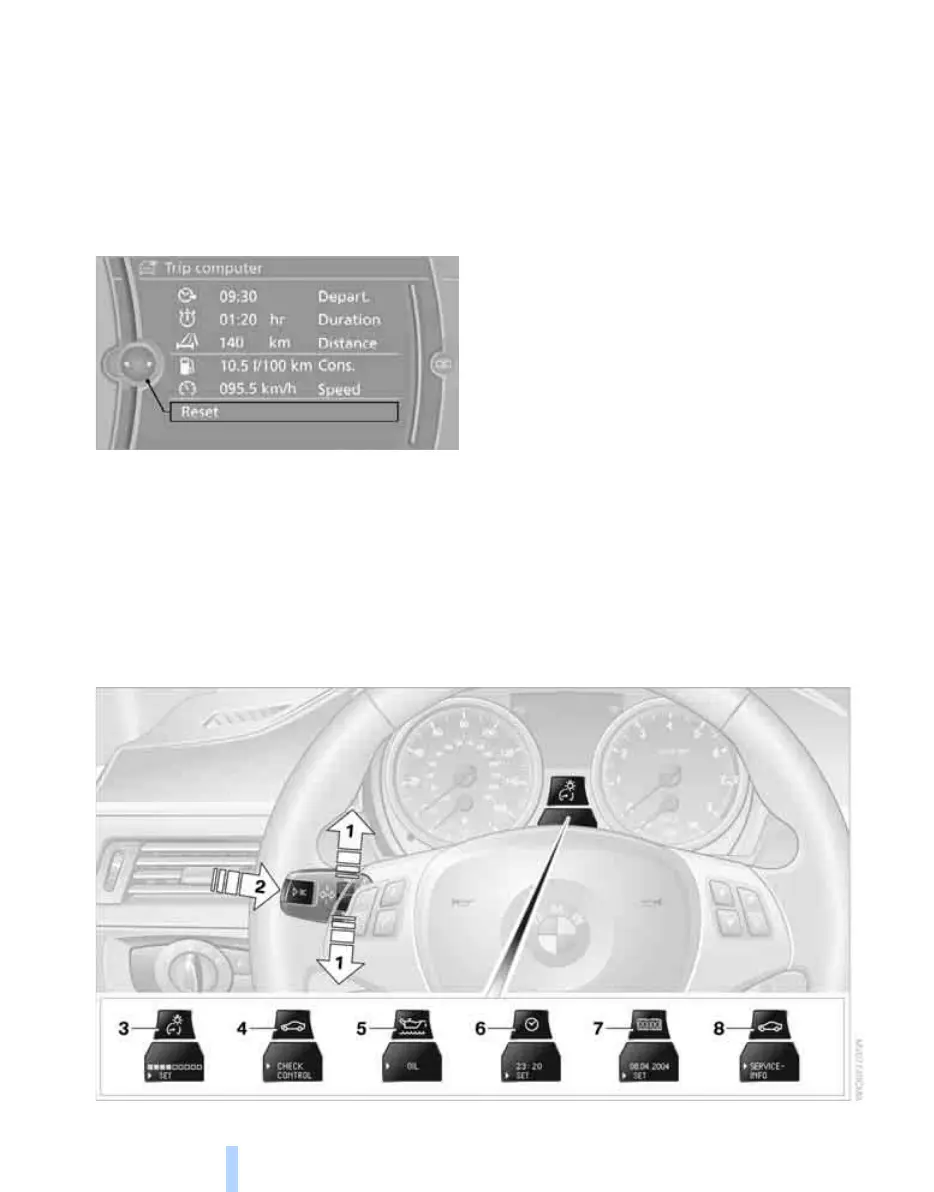
Displays on the "Trip computer":
> Departure time
> Trip duration
> Trip distance
Both displays show:
> The average speed and
> the average fuel consumption.
Resetting the fuel consumption and
speed
You can reset the values for average speed and
average consumption:
1. Select the respective menu item and press
the controller.
2. Press the controller again to confirm your
selection.
Resetting the Trip computer
1. "Vehicle Info"
2. "Trip computer"
3. Select
> "Reset" all values are reset
> "Automatically reset" all values are reset
approx. 4 hours after the engine is
switched off
Settings and information
Operating principle
ba8_E9091_cic.book Seite 70 Mittwoch, 29. Oktober 2008 2:59 14
Online Edition for Part no. 01 41 2 602 099 - © 10/08 BMW AG


 To Next Page
 Loading...











