Troubleshooting 145
4
— — — — — — — — — — — — — — — — —
— — — — — — — — — — — — — — — — — — — — — — — — — — — — — — — — — —
d
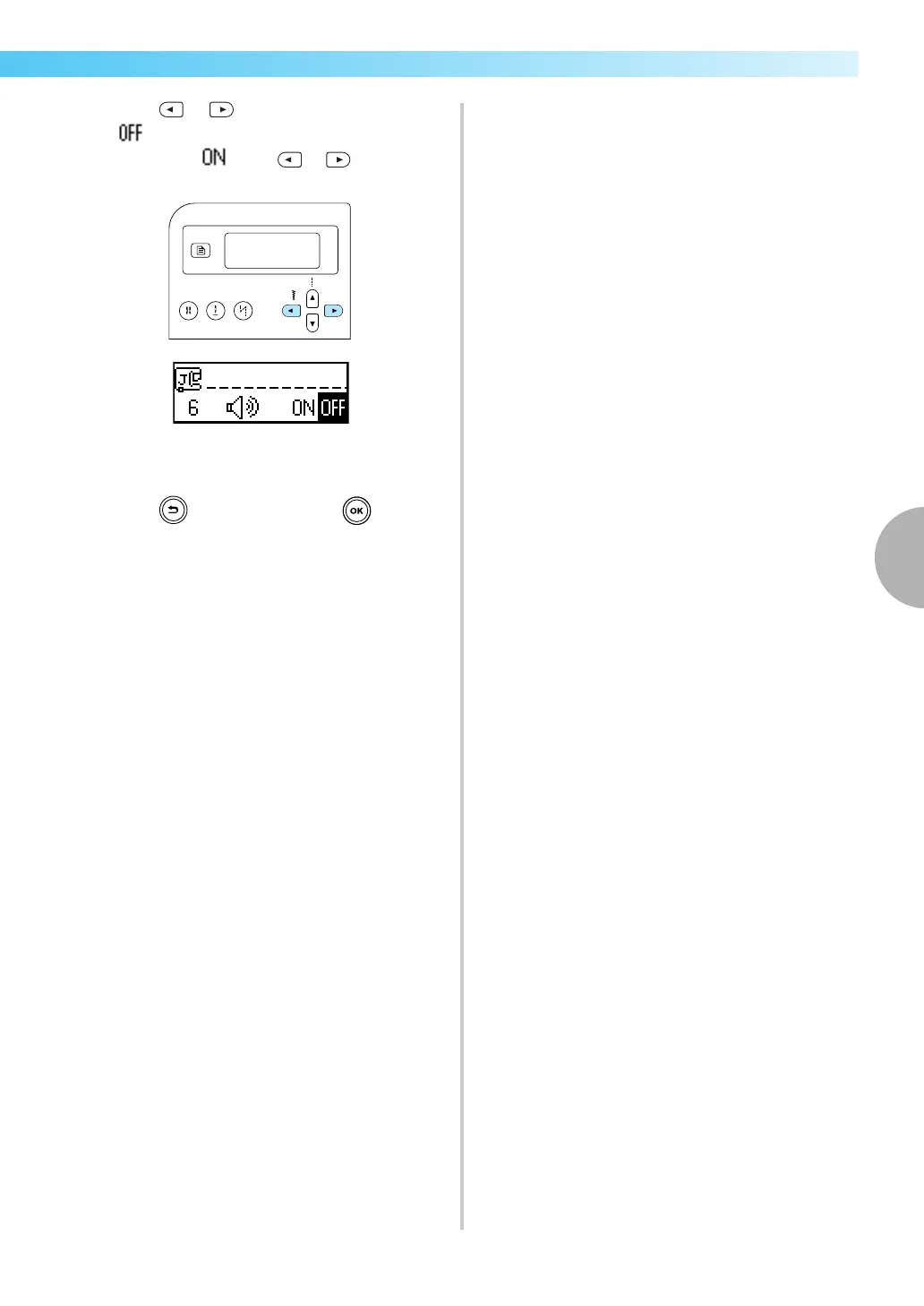
Press or (Stitch width keys) to select
.
To return to , press or (Stitch width
keys).
X The machine is now set so that it will not
beep.
e
Press (Cancel/clear key) or (OK key).
X The initial stitch screen appears again.


 To Next Page
 Loading...