
 Need help?
Do you have a question about the Cartrend 10632 and is the answer not in the manual?
Explains symbols and signal words used in the operating manual and on the device.
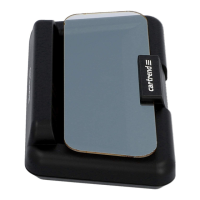
Details the primary functions of the head-up display for vehicle data display and warnings.
Outlines risks associated with improper use and the manufacturer's disclaimer for damages.
Covers model, operating environment, power supply, display, and physical dimensions.
General advice to read and observe all safety notes and instructions for safe operation.
Critical warnings regarding child safety, suffocation, and accident risks.
Warnings about electrical shock from damaged cables and safe operational practices.
Emphasizes avoiding distraction while driving and safe mounting away from airbags.
Identifies and describes the numbered physical components of the head-up display unit.
Explains the meaning of various symbols displayed by the head-up display.
Provides instructions and warnings for connecting the HUD to the vehicle's OBD-II port.
Guides on selecting a mounting location and securing the head-up display.
Step-by-step instructions for switching the head-up display on and off.
How to cycle through display modes and manage the multifunction display.
Details how fuel economy is displayed and factors influencing its value.
Procedures for setting the device's clock and managing audible key tones.
Explains the driving time monitor feature and how to use it to remind for breaks.
How to enter and move through the head-up display's settings menu.
Configuration options for speed units, temperature, brightness, alarms, and corrections.
Procedure to reset the head-up display to its original factory default settings.
Addresses common issues like no display, incorrect readings, and automatic switch-off with solutions.
Guidelines for cleaning the device with a soft cloth and storing it properly.
Information on seeking service from retailers and environmentally friendly product disposal.
Explains symbols and signal words used in the operating manual and on the device.
Details the primary functions of the head-up display for vehicle data display and warnings.
Outlines risks associated with improper use and the manufacturer's disclaimer for damages.
Covers model, operating environment, power supply, display, and physical dimensions.
General advice to read and observe all safety notes and instructions for safe operation.
Critical warnings regarding child safety, suffocation, and accident risks.
Warnings about electrical shock from damaged cables and safe operational practices.
Emphasizes avoiding distraction while driving and safe mounting away from airbags.
Identifies and describes the numbered physical components of the head-up display unit.
Explains the meaning of various symbols displayed by the head-up display.
Provides instructions and warnings for connecting the HUD to the vehicle's OBD-II port.
Guides on selecting a mounting location and securing the head-up display.
Step-by-step instructions for switching the head-up display on and off.
How to cycle through display modes and manage the multifunction display.
Details how fuel economy is displayed and factors influencing its value.
Procedures for setting the device's clock and managing audible key tones.
Explains the driving time monitor feature and how to use it to remind for breaks.
How to enter and move through the head-up display's settings menu.
Configuration options for speed units, temperature, brightness, alarms, and corrections.
Procedure to reset the head-up display to its original factory default settings.
Addresses common issues like no display, incorrect readings, and automatic switch-off with solutions.
Guidelines for cleaning the device with a soft cloth and storing it properly.
Information on seeking service from retailers and environmentally friendly product disposal.

 To Next Page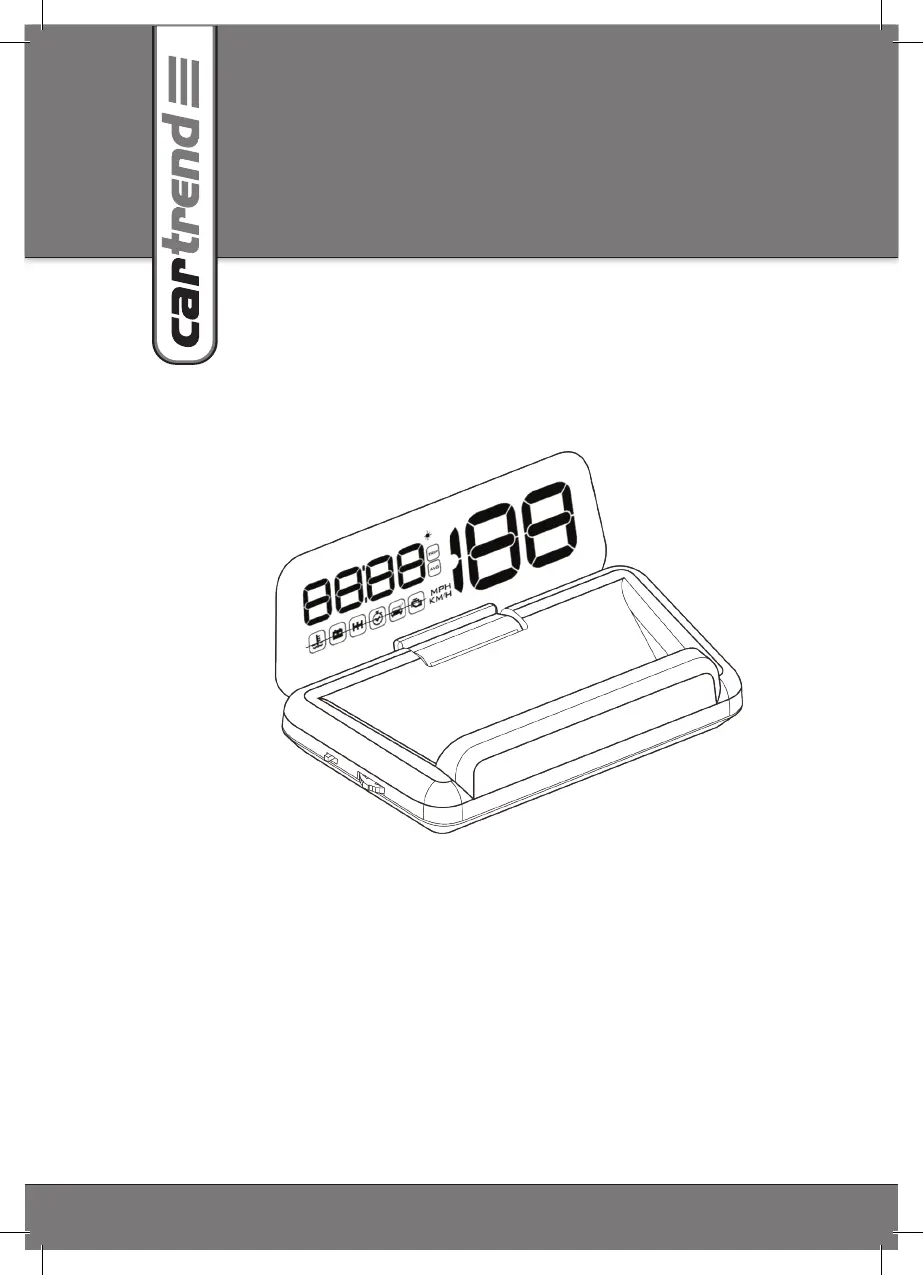
 General