E-26
Adjusting the Laser Light Emission Width
The emission width of the laser light emitted by the Handheld Terminal (model
dependant) can be adjusted. Adjust the emission width when it is improper.
1.
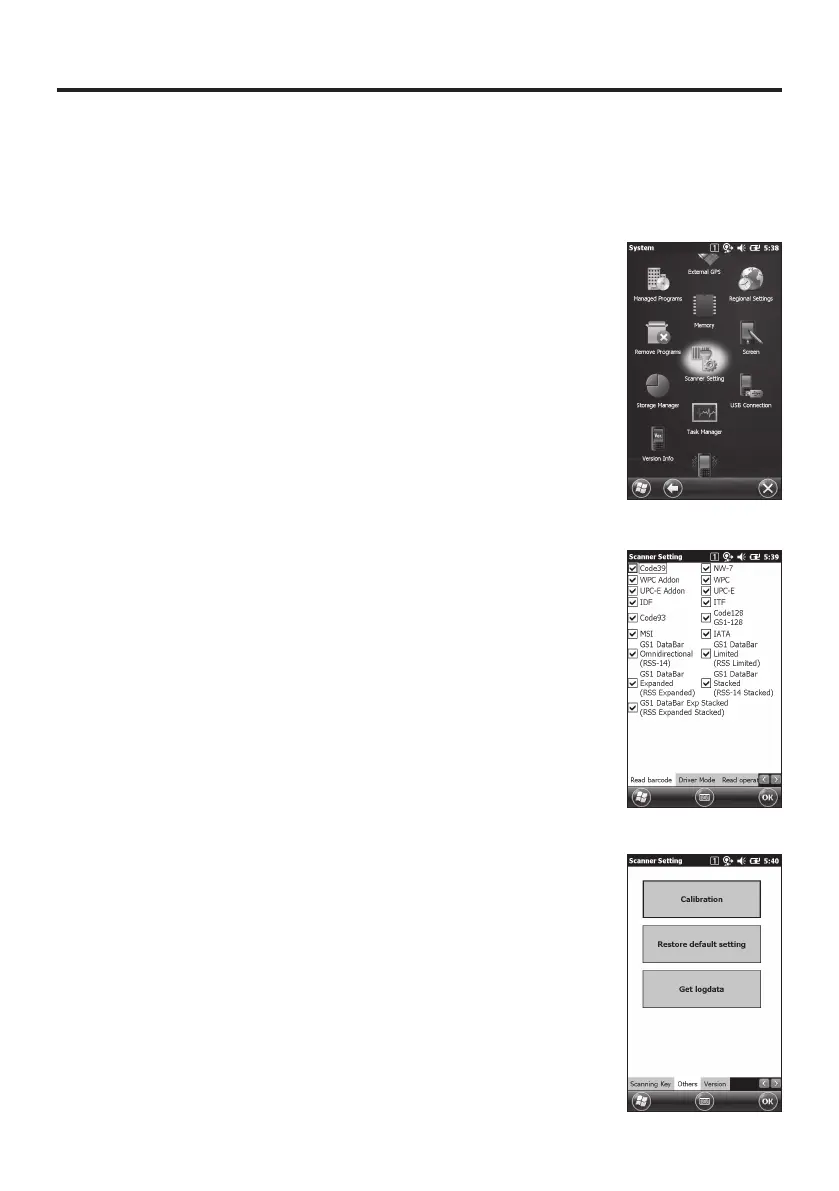
Navigate to the menus in the following sequence:
Start
"
Settings
"
System
The Control Panel appears as shown in the screen.
2. Tap the [Scanner Setting] icon. The Setting screen
appears as shown in the screen.
3. Tap the [Others] tab in the Scanner Setting screen.


 To Next Page
 Loading...










