10
E
Part-1 QUICK START OPERATION
3. Setting the Cash Register
!
Plug the power cord of the cash register into AC outlet.
@
Please choose your language followed by printed message.
#
When the display shows blinking "0", such as
Enter current date in Day, Month, Year.
$
When the display shows blinking "0", such as
Enter current time in Hour, Minute.
%
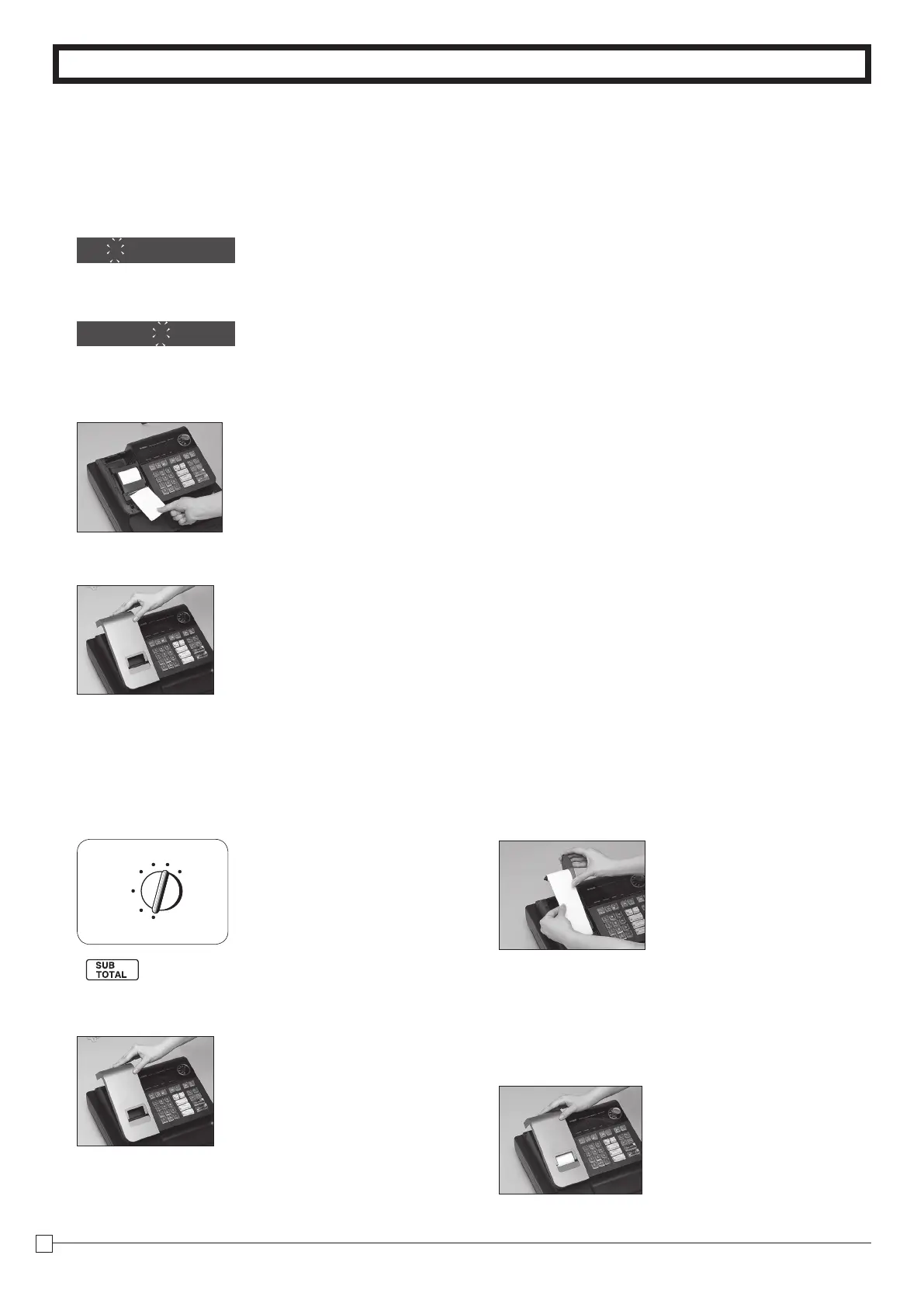
Set the mode switch to REG.
^
Tear off any excess paper.
&
Replace the printer cover slowly.
*Default printer definition is receipt printer.
00-00-00
00-00
4. If you want to use a printer as journal printer
!
Set printing system as journal.
Z
Zu
@
Remove the printer cover by lifting up the back.
#
Press the
l
key until approximately 20cm of the
paper is fed from the register.
REG
OFF
RF
PGM
CAL X
Z
$
Roll the paper onto the take up real a few turns.
%
Set the left plate of the take up need and place the
reel into the register.
^
Press the
l
key to take up any slack in the pa-
per.
&
Replace the printer cover slowly.



 To Next Page
 Loading...











