16
E
Part-1 QUICK START OPERATION
BB?
g
B?B
C h
XX?
g
C h
XC?
REG
OFF
RF
PGM
CAL
Z
X
Mode Switch
g
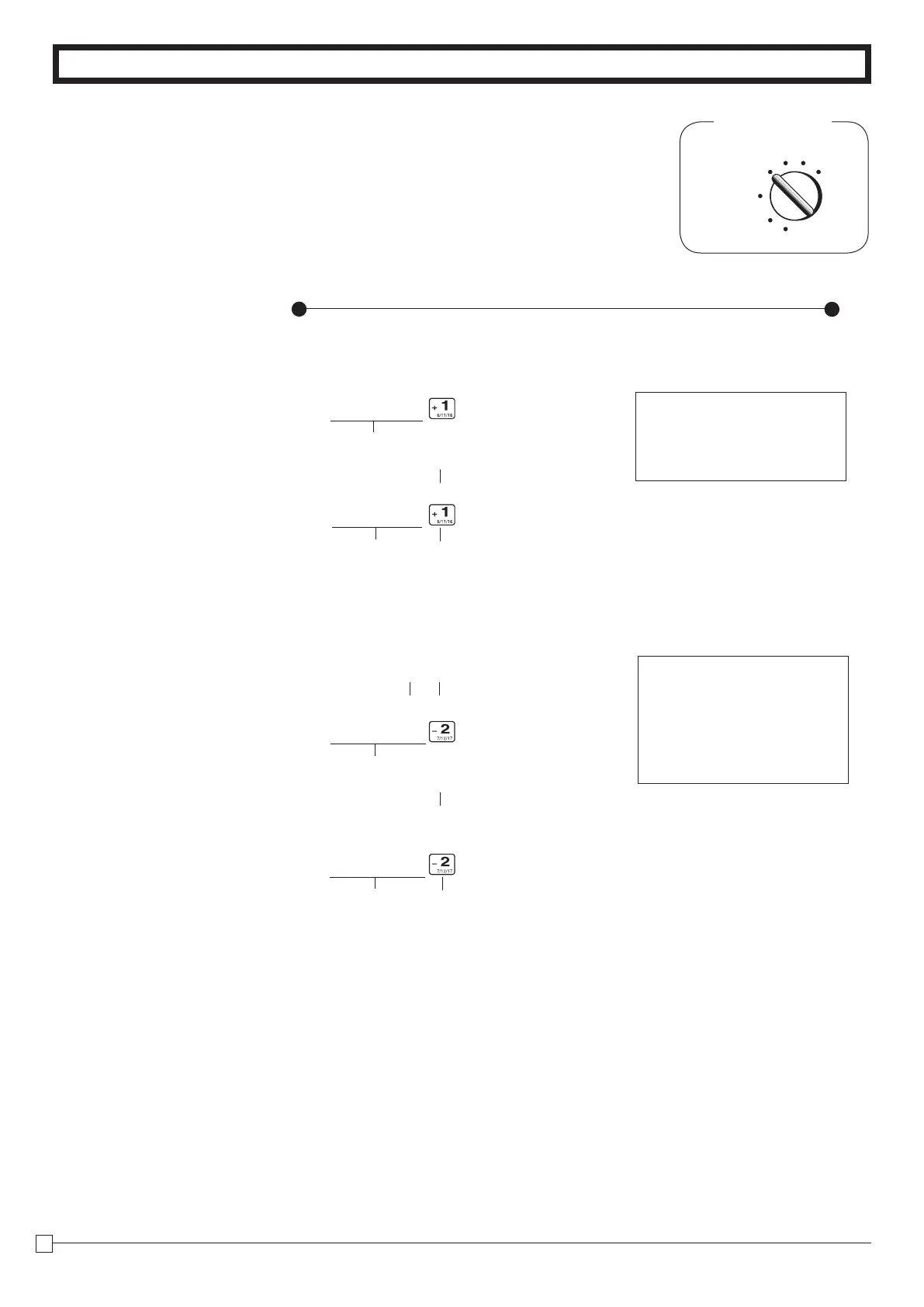
key cancels the last registered item.
9-6-2 After you
pressed a
department key
Example
1. Entered unit price 550 by
mistake instead of 505 and
pressed a department key.
Operation
Printout
Wrong entry
Registered Department 1Correct entry
Cancels the last item registered.
2. Entered unit price 220 by
mistake instead of 230
and pressed a depart-
ment key.
MultiplicationQuantity
Cancels the last item registered.
Wrong entry
Correct entry
Registered Department 2
DEPT01 •5.50
ERRCORR -5.50
DEPT01 •5.05
3x@2.20
DEPT02 •6.60
ERRCORR -6.60
3X@2.30
DEPT02 •6.90


 To Next Page
 Loading...











